A "Resource Type" is considered a Rental or a Resource you require for an Activity to take place. You have to have resource types in order to add individual resources.
Example:
- Resource Type: Boat
- Resources: Blue Boat; Red Boat; Pink Boat
To add a resource type...
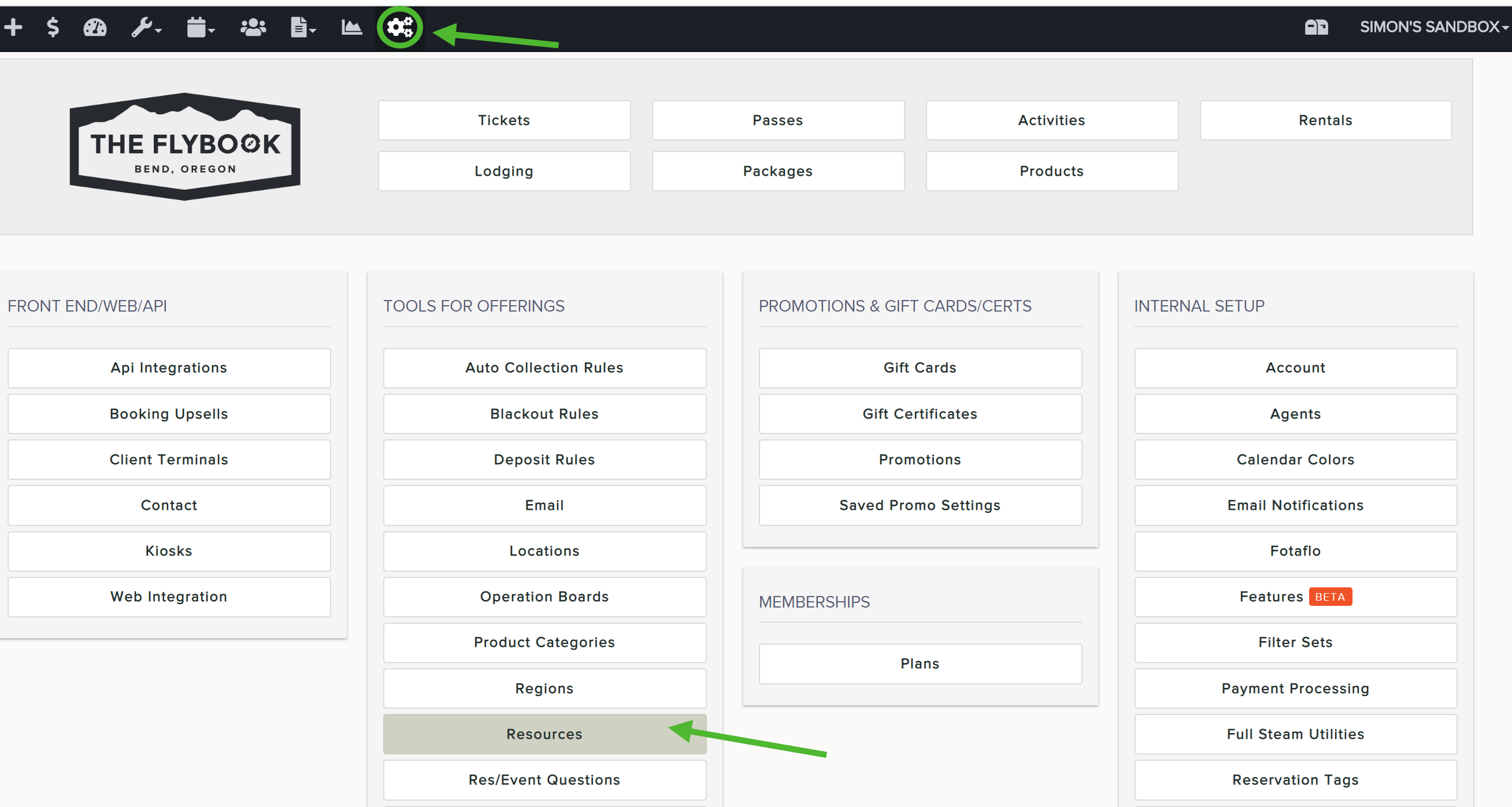
- Go to SETUP and click on Resources
- Click on the tab titled "Resource Types" and Add New
- Give it a name and click Create
Note: to modify an existing name, find it from the resource type list, click on it, and type over the name. Don't forget to save.