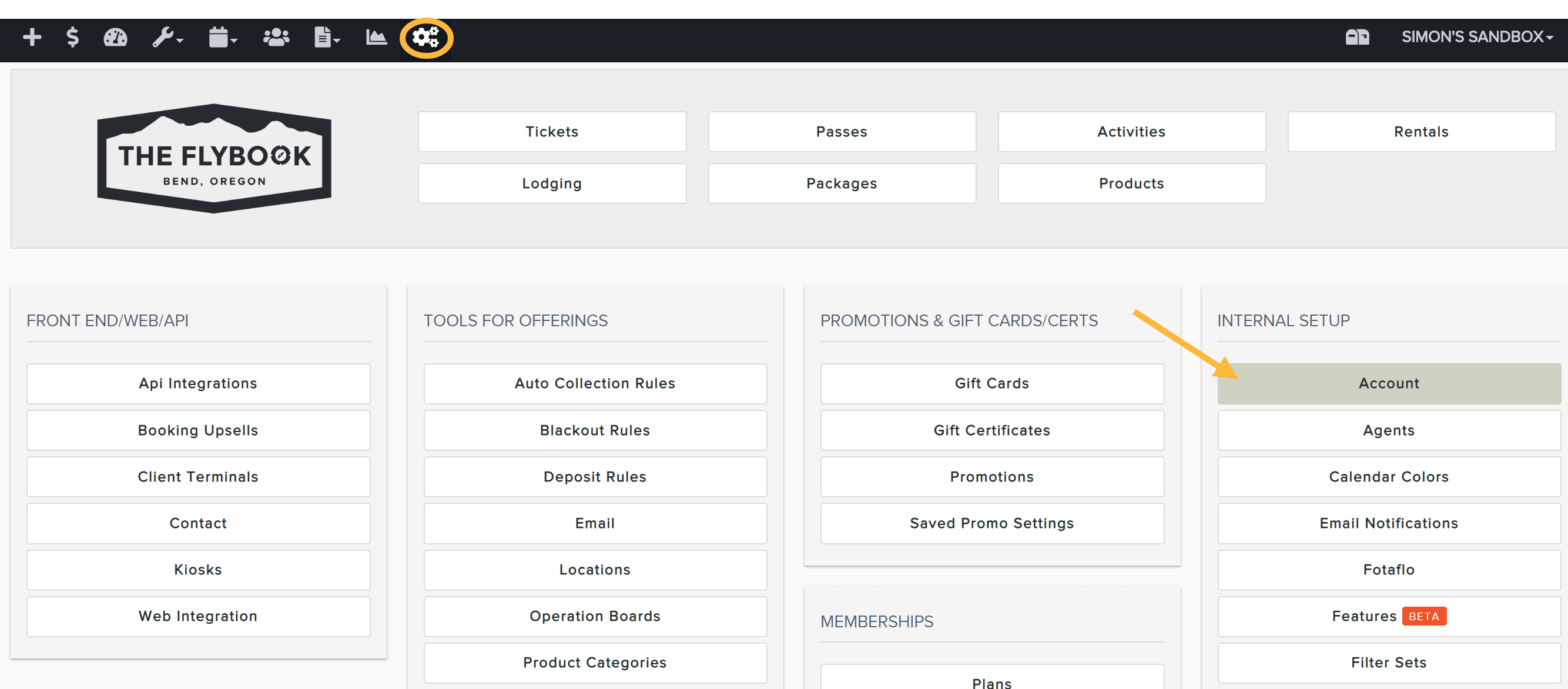
Account | Upload Company Logo To upload your company logo to your Flybook account: Go to SETUP and click on Account (under INTERNAL SETUP) Scroll down to Logo section and upload your image Save your work when finished Have more questions? Submit a request