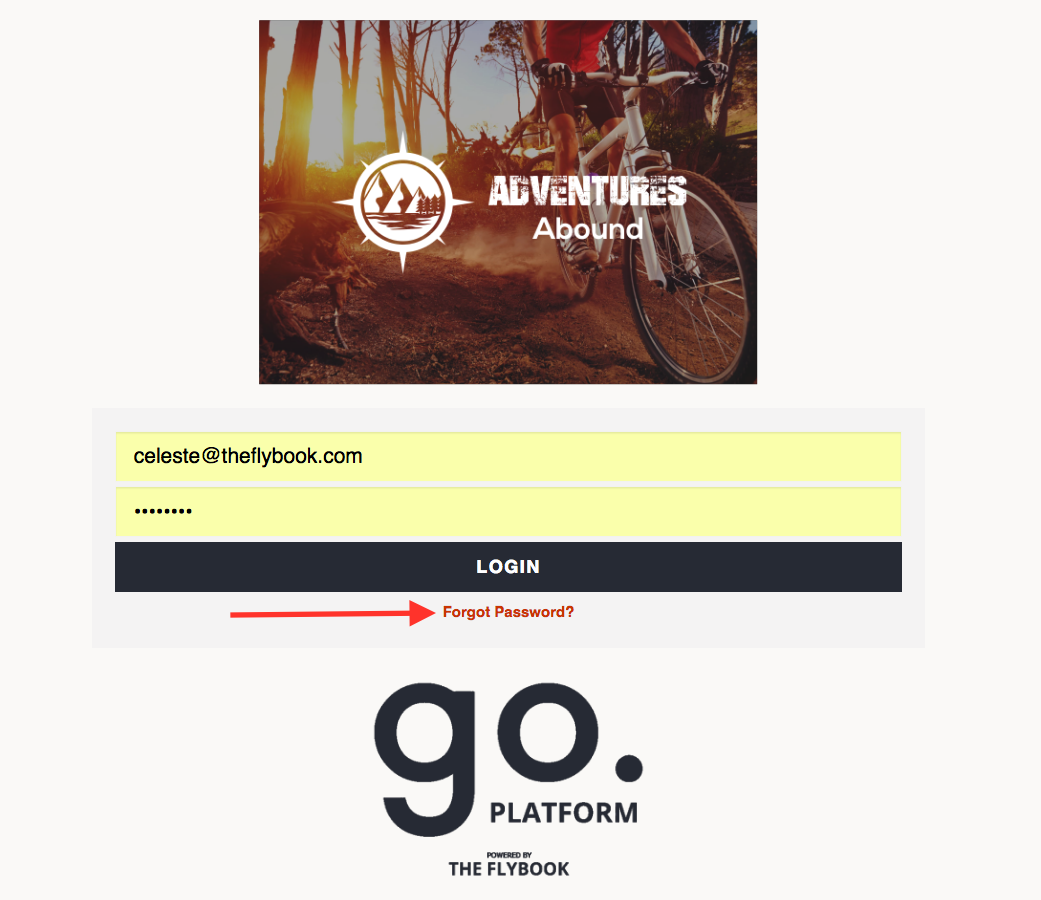
To update your login password for the Flybook,
1. Click on the drop down arrow next to your company name at the top right of your screen
2. Click on My Account
3. Click on the Password tab and update your password from here
4. OR Logout and click on Forgot Password