To set up notifications for yourself or your staff members,
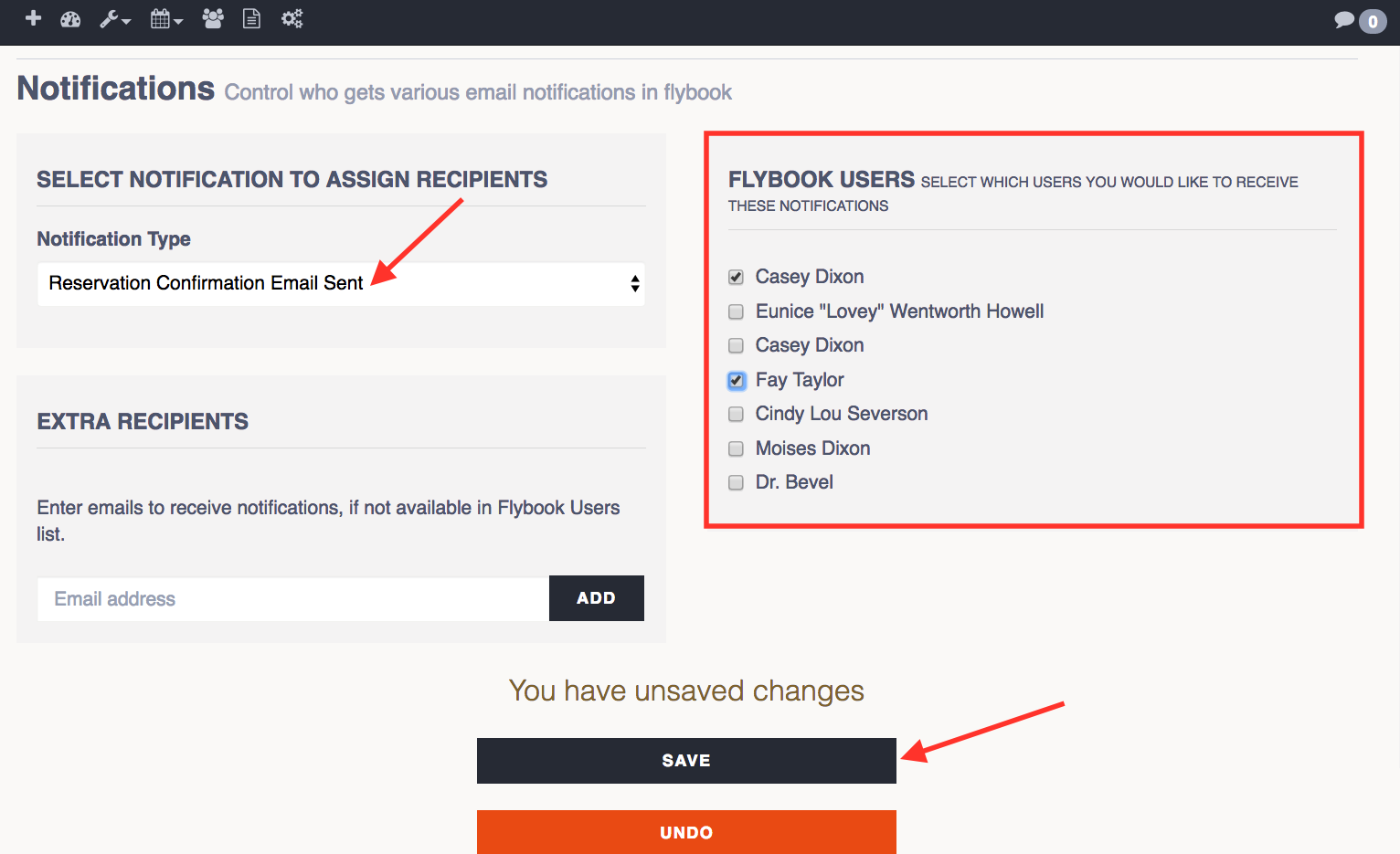
1. Go to SETUP and click on Email Notifications
2. Select the specific Notification type you would like
3. Select the Users you would like to receive notifications or enter in their email to the left if they are not listed to the right
4. Hit SAVE when finished