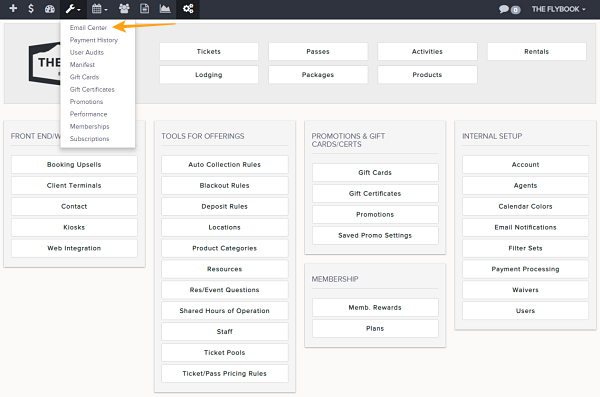
Navigation: Tools>>Email Center>>History
If you would like to track your email history and view the status of each one
1. Click on your Tools and click on Email Center
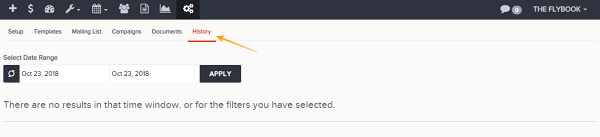
2. Click on History
3. Type in your Search Start & End dates and hit Load History
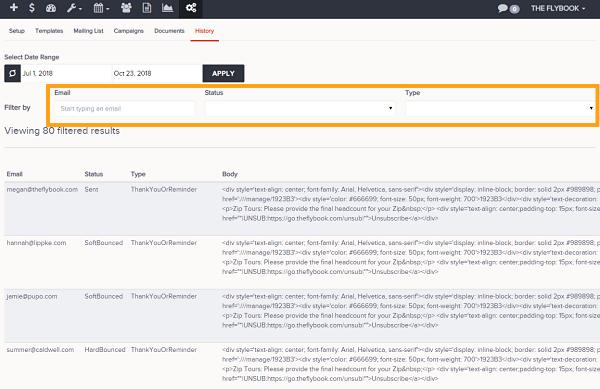
4. Use filters such as Status or Type to customize your search
5. You can also few stats on how many emails were sent, what type of emails they were, etc.