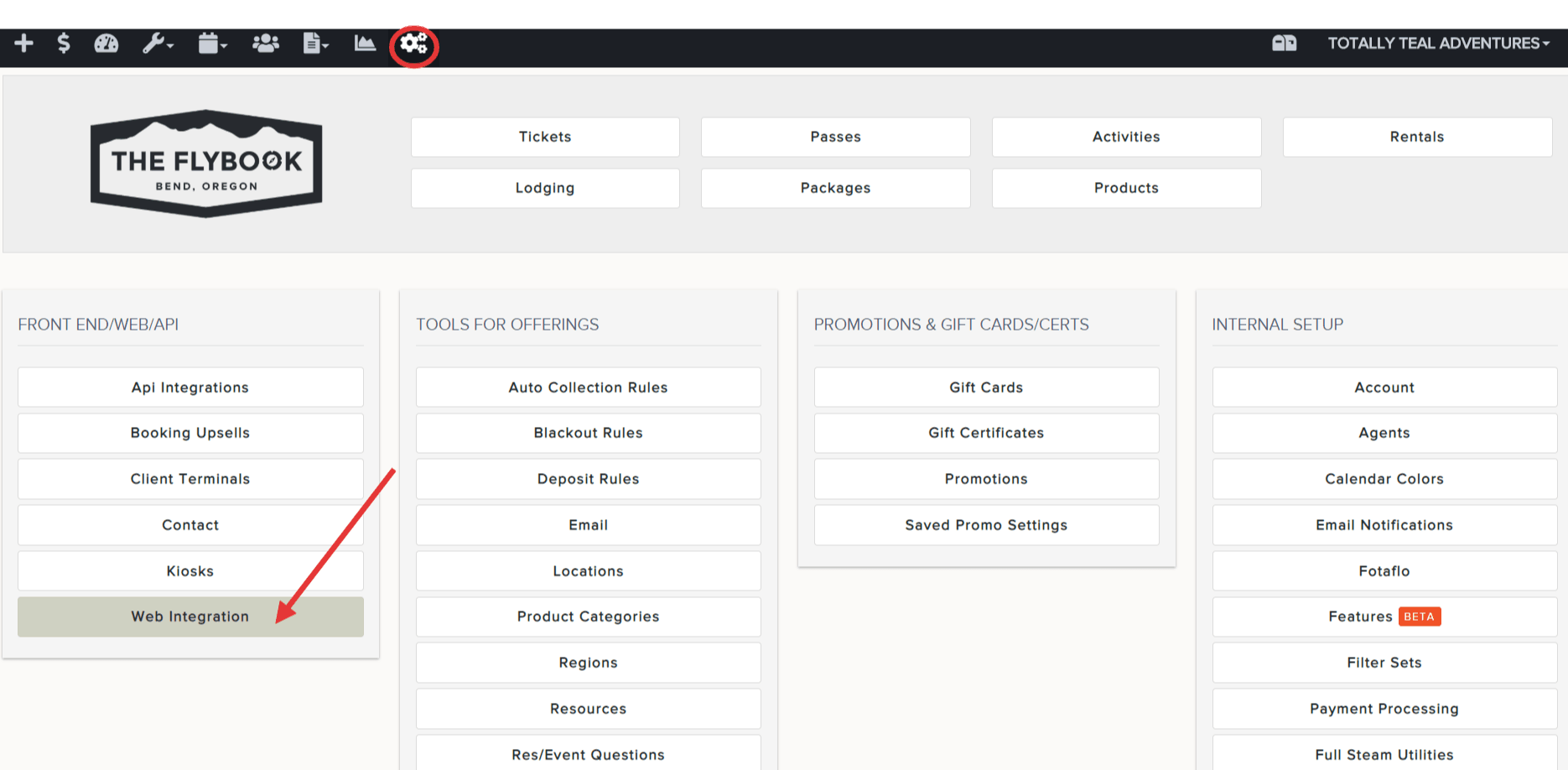
Navigation: Setup>>Web Integration
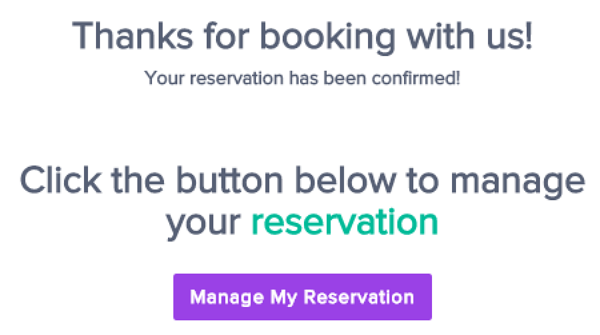
If you would like to customize the message that shows on the final confirmation page of a front end checkout please follow the steps below.
- Go To Setup > Web Integration
- Scroll down to Reservation Completed Text
- Enter the custom message you would like to appear
- Verify modifications and be sure to Save changes