Navigation: Setup>>Waivers>>Assign
If you would like to assign a waiver to a item follow the steps below:
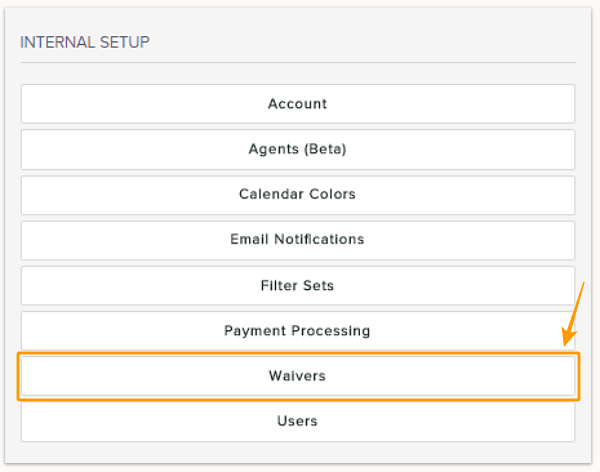
- Click on Waivers button located under the Internal Setup menu
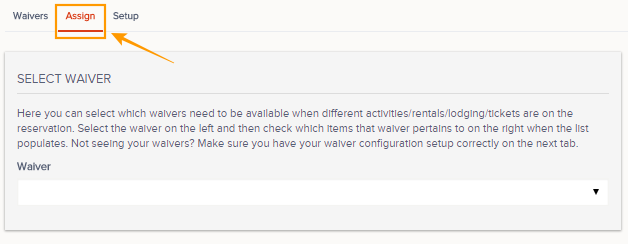
- Click on Assign tab
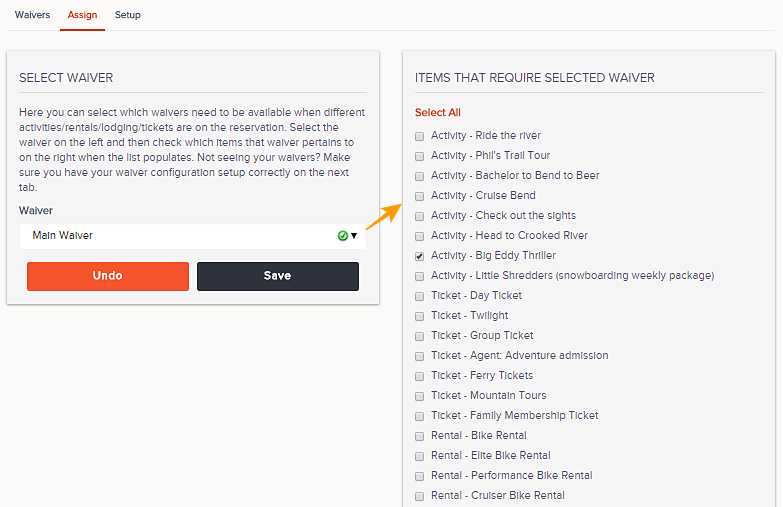
- Select the waiver you would like to assign from the Waiver drop down menu
- Now select the events which you would like to assign the specified waiver to. Below are the types of events that will appear:
- Activities
- Rentals
- Lodging
- Tickets
- Passes
- Always remember to Save changes.