Navigation: Account>>General Information
If you would like to update your accounts general information follow the steps below
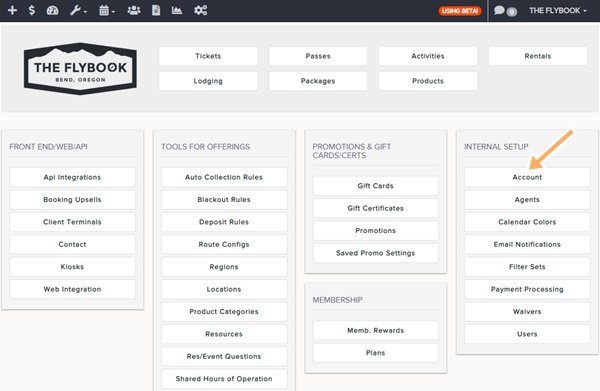
- Go to Account located under the Internal Setup Menu
- This will take you to the Account General, Contact, Address, Email, Misc. Information screen
- Admins would be able to edit these fields
- General Information
- Name
- Culture
- Time Zone
- Website Url
- Top Navigation Bar Color (New)
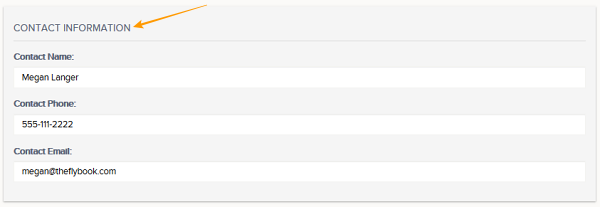
- Contact Information
- Contact Name
- Contact Phone
- Contact Email
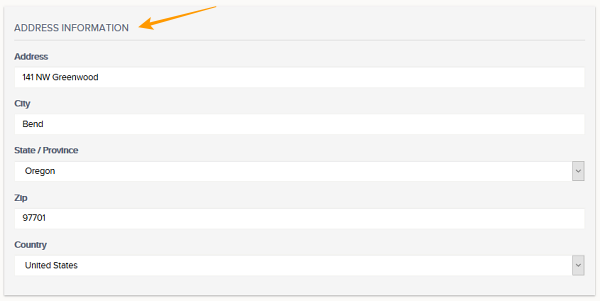
- Address Information
- Address
- City
- State/Province
- Zip
- Country
- Logo
- Logo Photo
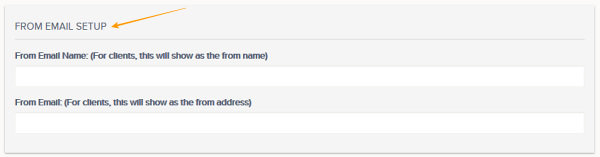
- From Email Setup
- From Email Name (For Clients, this will show as the from name)
- From Email (For Clients, this will show as the from address)
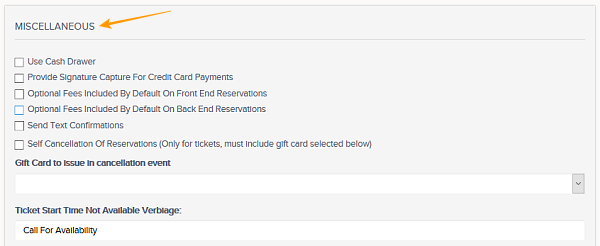
- Miscellaneous
- Use Cash Drawer
- Provide Signature Capture For Credit Card Payments
- Optional Fees Included By Default On Front End Reservations
- Optional Fees Included By Default On Back End Reservations
- Products are included in deposit cost when bookable items have deposit costs
- Send Text Confirmations
- Self Cancellations Of Reservations (Only for tickets, must include gift card selected below)
- Ticket Start Time Not Available Verbiage:
- Invoice Footer
- Receipt Footer
- General Information
- Always remember to Save changes