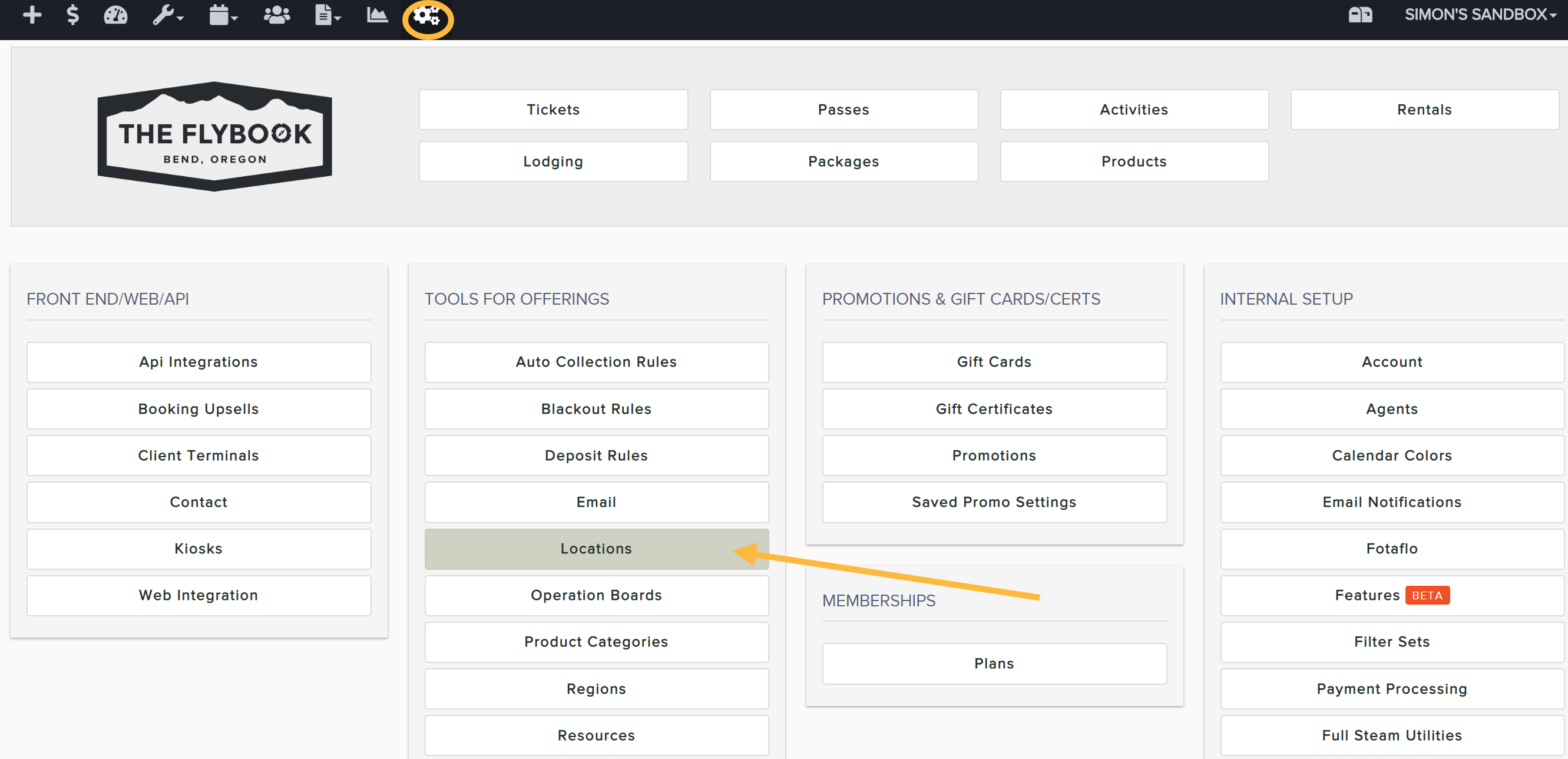
If you would like to set up Locations (aka Pickup Locations),
- Go to SETUP and Locations (under TOOLS FOR OFFERINGS)
- Click Add New or on an existing Location
- Add the name and click Create
- Once created admins will be able to add these additional fields:
- Simple Name (This is what will appear on the Front End)
- Description
- Latitude and Longitude coordinates
- Remember to save changes
- Once created, assign the pickup locations to the applicable activities. From Setup > Activities, click on the offering you want to edit. Go to the Pickup Locations tab to assign each location option.
Note: Customers will be required to choose a location prior to completing their checkout (sample below). You can view their selection within the reservation on the back end and via activity reports (i.e. Daily Activity)
Important: newly added locations are not automatically assigned to activities. Be sure to click into the applicable activity and designate the location options within "Pickup Locations" tab (see below)