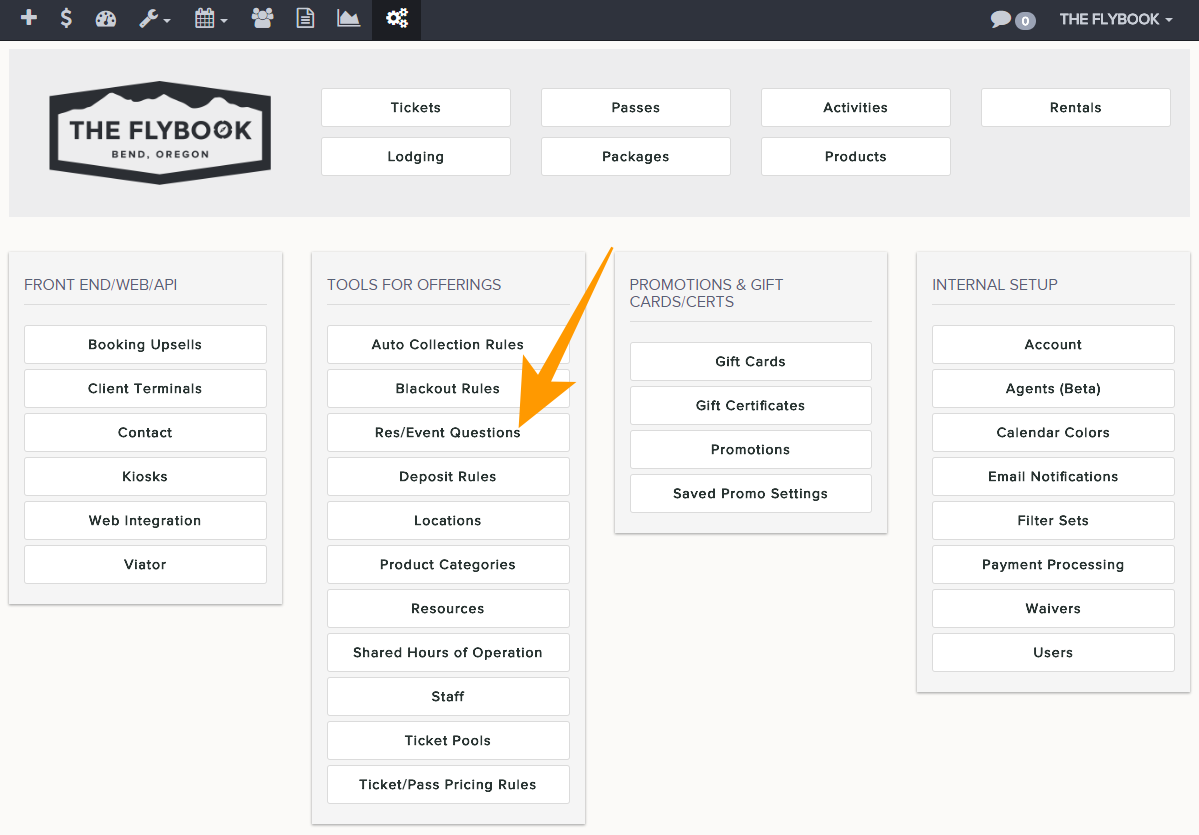
Navigation: Setup>>Res/Event Questions>>Question Groups(s)
Important Note: A question group is a way of grouping questions so that you can then easy choose and apply them to the appropriate events.
If you would like to add or edit a question group follow the steps below
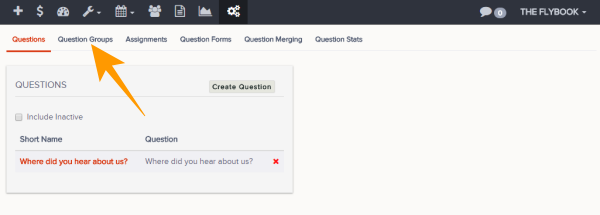
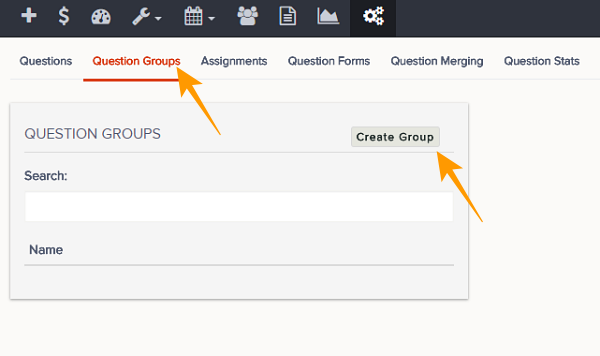
- Go to Question Groups tab
- From here you will be able see existing groups or add a new group
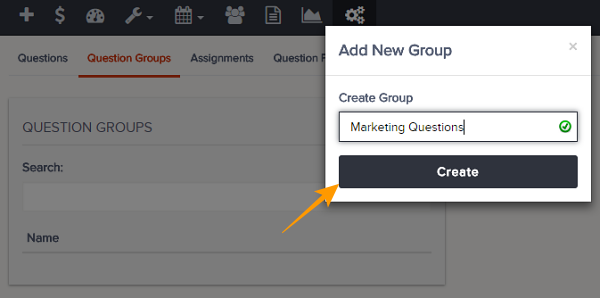
- Click Create Group
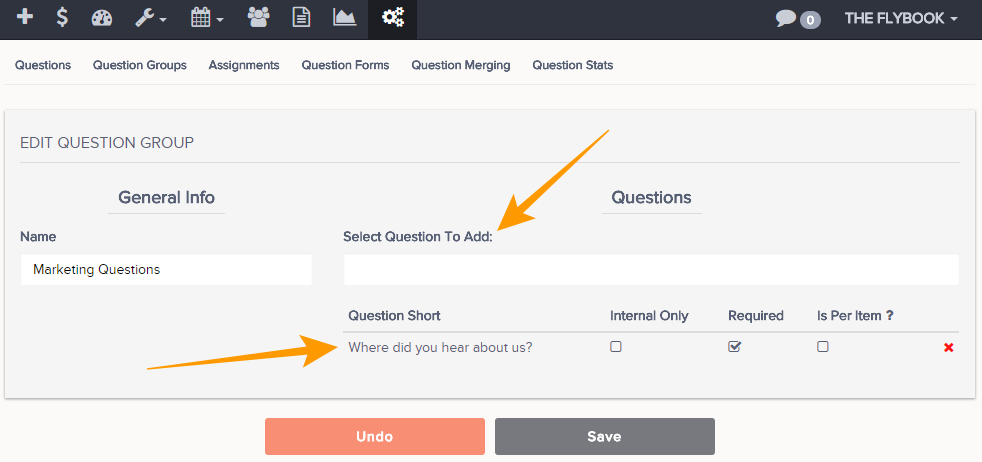
- This will take you to the edit group page from here you will be able to Question To Add: to the group.
- Once the desired questions are added you will be able to edit these parameters
- Internal Only (These questions will only appear on the reservation and won't be seen by the guests)
- Required (These question will appear with a red asterisk next to them showing they are required)
- Is Per Item (This will show the selected question(s) once for each person booked for the reservation)
- Always remember to Save Changes