Navigation: Calendars >> Activities/Rentals >> Select the activity that you want to add a question form too
Important Note: Multiple forms can be added to activity
If you would like to add a question form to a existing activity follow the steps below:
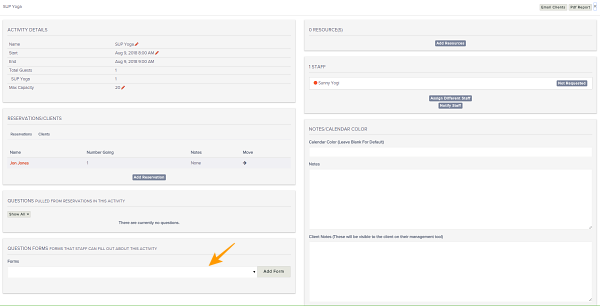
- Go to Activity Detail view
- Scroll down to the Forms section
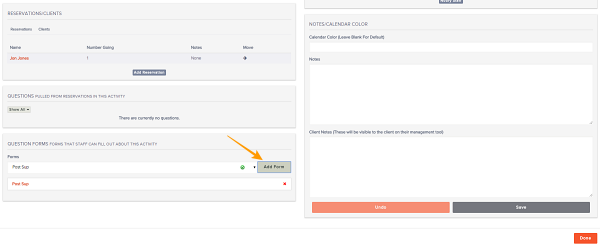
- Select the form(s) you would like to add and click Add Form
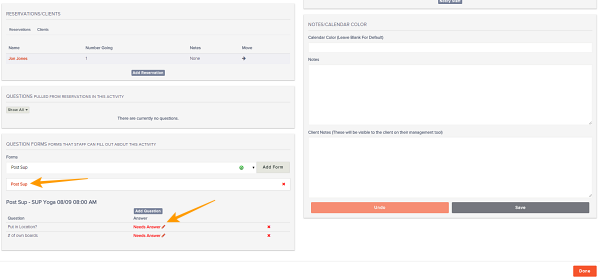
- Click on the form and answer applicable questions
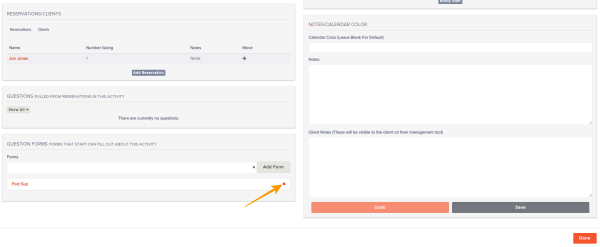
- If you would like to remove a existing Form click the red X and the form will be removed