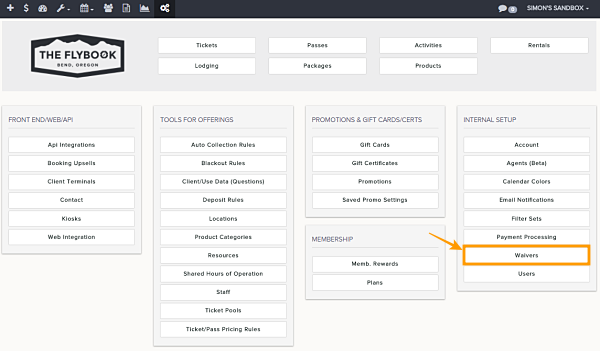
Navigation: Setup > Waivers Tab
Important Note: Only 1 form can be added to a waiver
If you would like to add a question form to a waiver please follow the steps below.
Note: Question forms can also be used for post-use
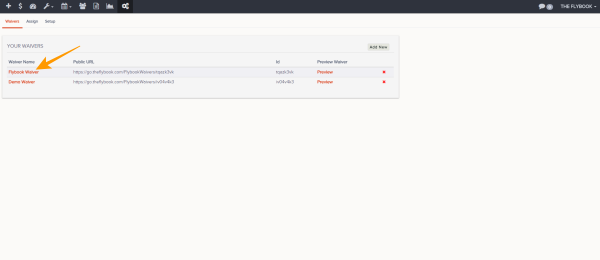
- Go to the waivers tab
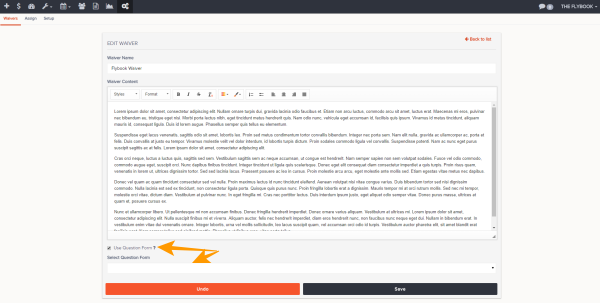
- Click on the waiver you would like to add the form to
- At the bottom click on the add form box, select your form and click add
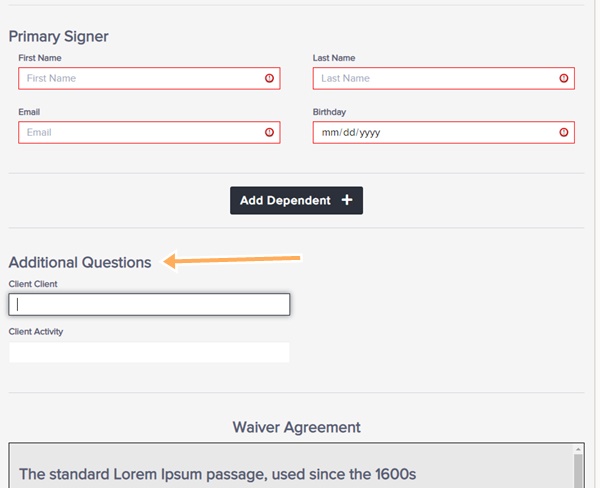
- Waiver form questions are embedded in the waiver and if they are required users will have to fill them in before they can complete the waiver signing process