Navigation>>Dashboard>>Passes
Below is a description of the information and functionality available on the Passes dashboard
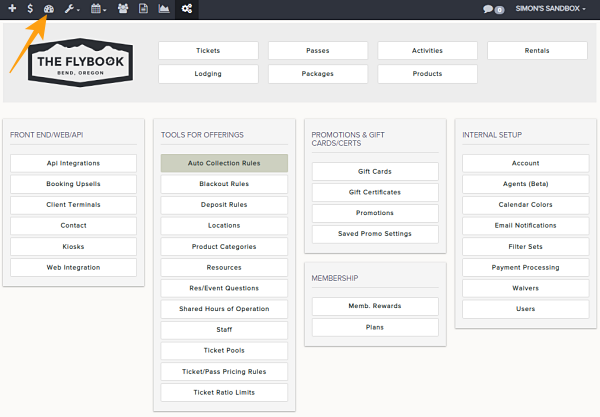
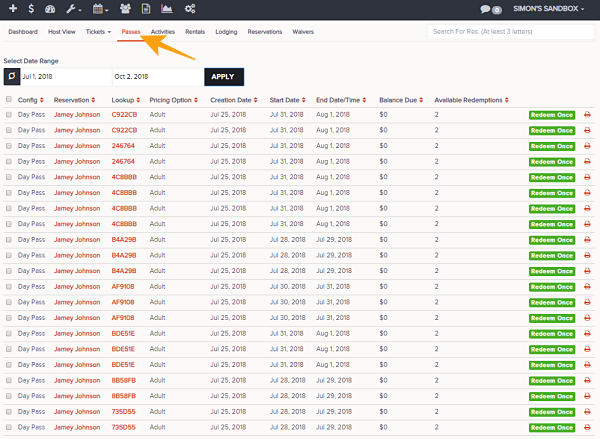
- Go to Dashboard then to the Passes tab
- Select the date range and Apply
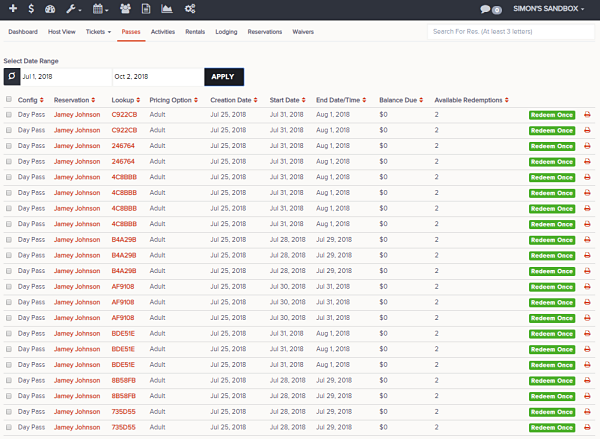
- This will show these parameters
- Config
- Reservation
- Lookup
- Pricing Option
- Creation Date
- Start Date
- End Date/Time
- Balance Due
- Available Redemption's
- These functions are also available
- Redeem Once