Below is a description of the information and functionality available on the Waivers dashboard
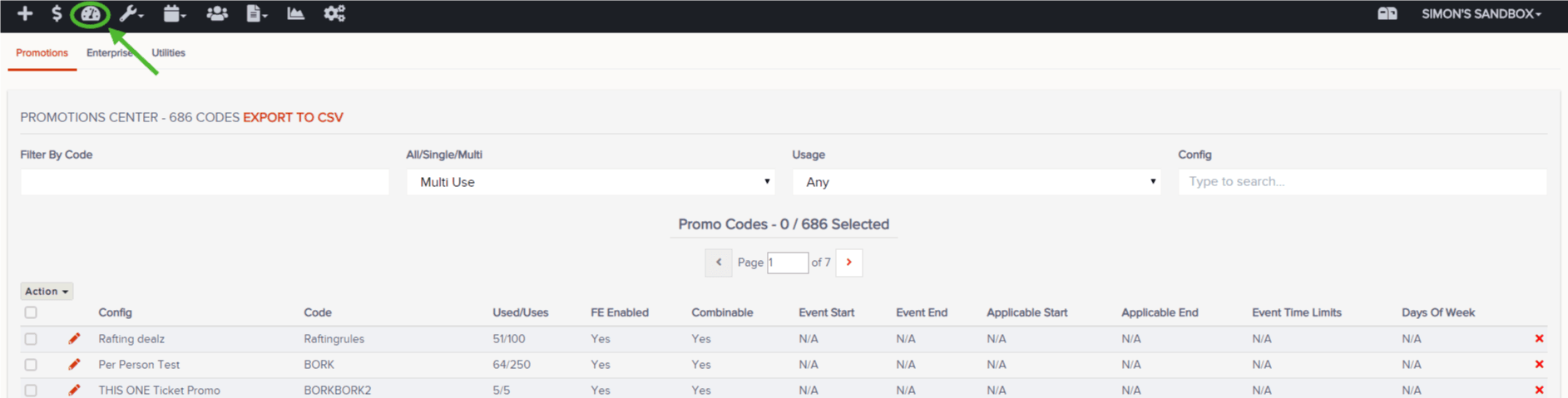
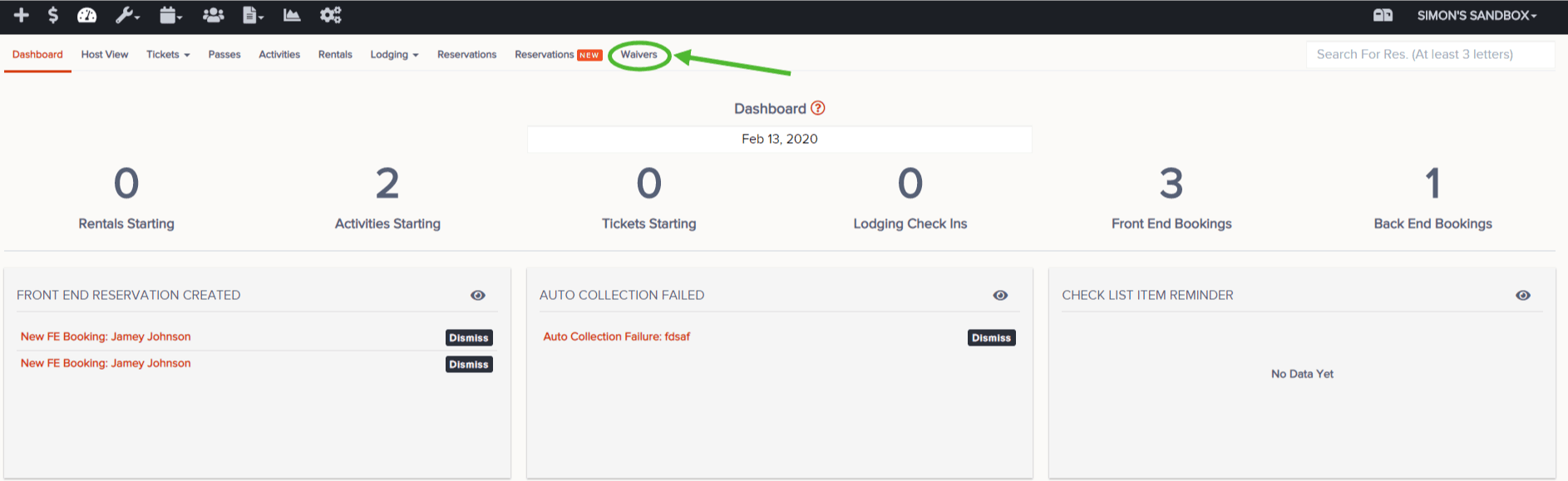
- Go to Dashboard and then Waivers
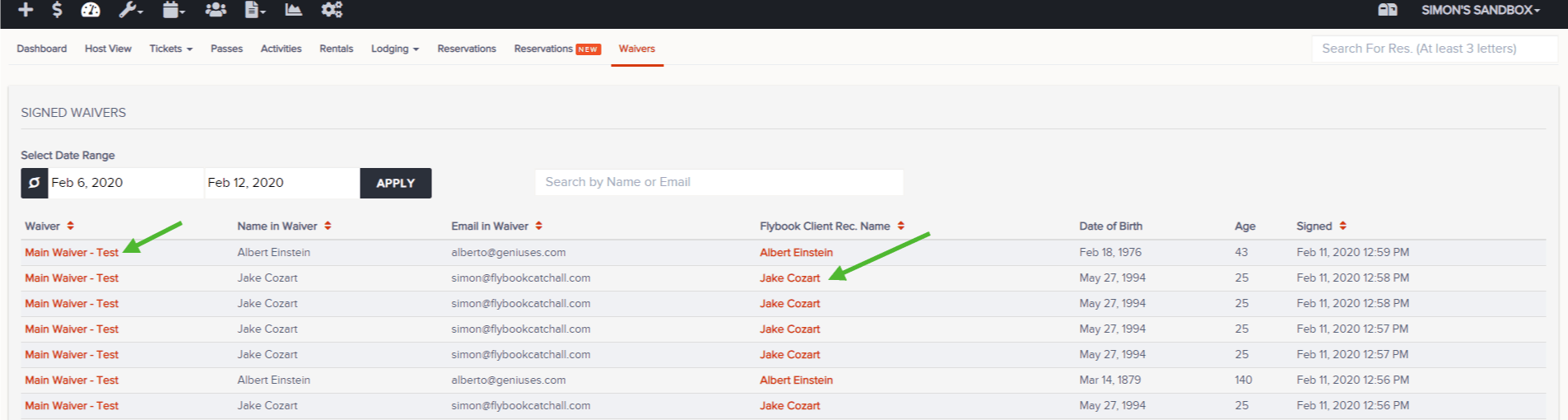
- Select the date range and Apply
- This will show the following parameters:
- Waiver Name
- Name in Waiver
- Email In Waiver
- Flybook Client Rec. Name
- Date of Birth
- Age
- Signed Date and Time
- Functions available:
- Click appropriate client record name to view client information and historical data
- Click appropriate waiver name to view signed waiver