If you would like to have documents available to attach to your templates,
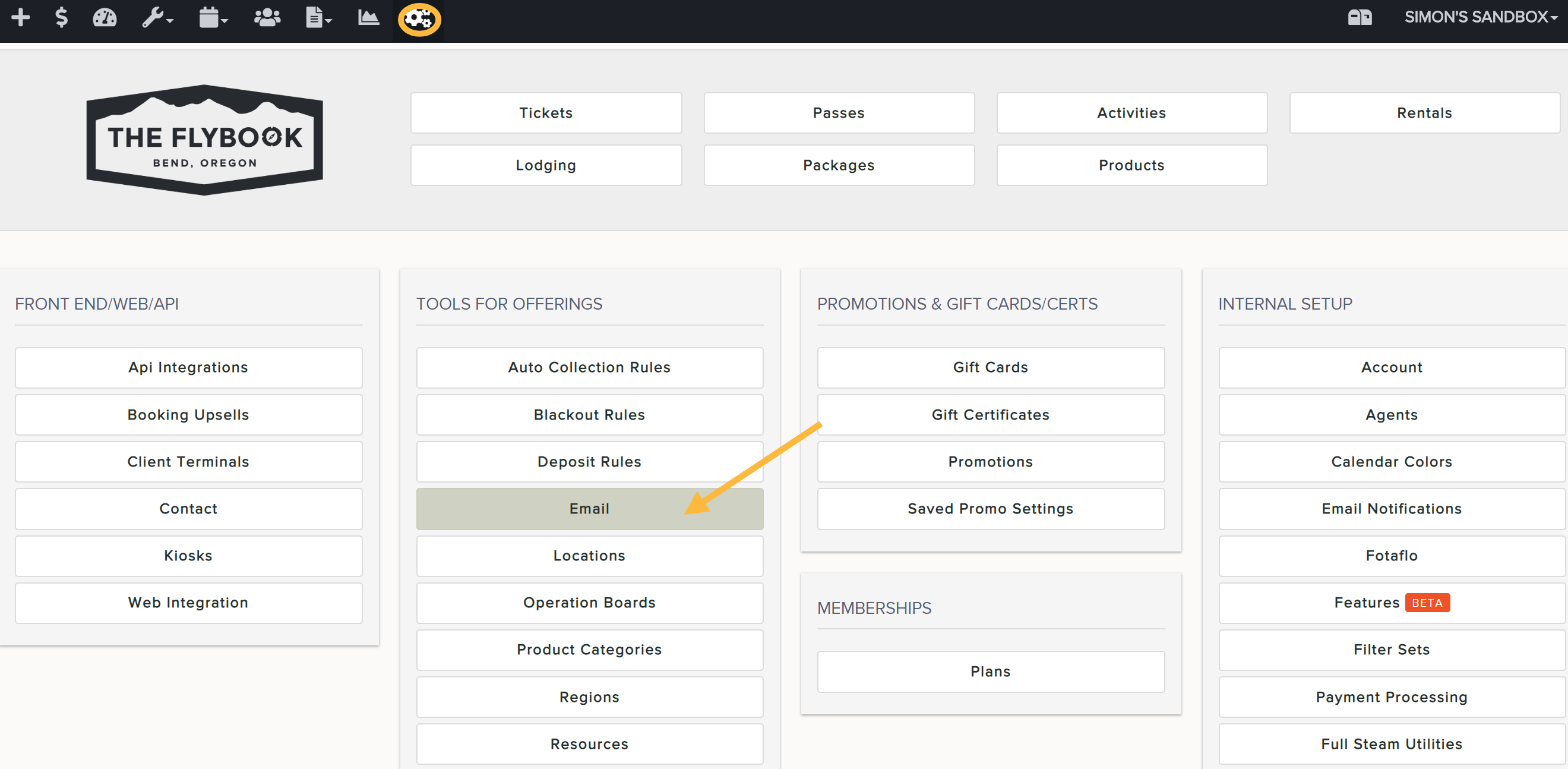
- Go to SETUP and Email (under TOOLS FOR OFFERINGS)
- Click on Documents and Add New
- Name your document and click Create
- Click on the newly created document from the list on the left
- Upload your document and Save