Navigation:Setup>>Web Integration>>Checkout
If you would like to add social media buttons to your checkout page follow the steps below.
- Go to Setup then Web Integration
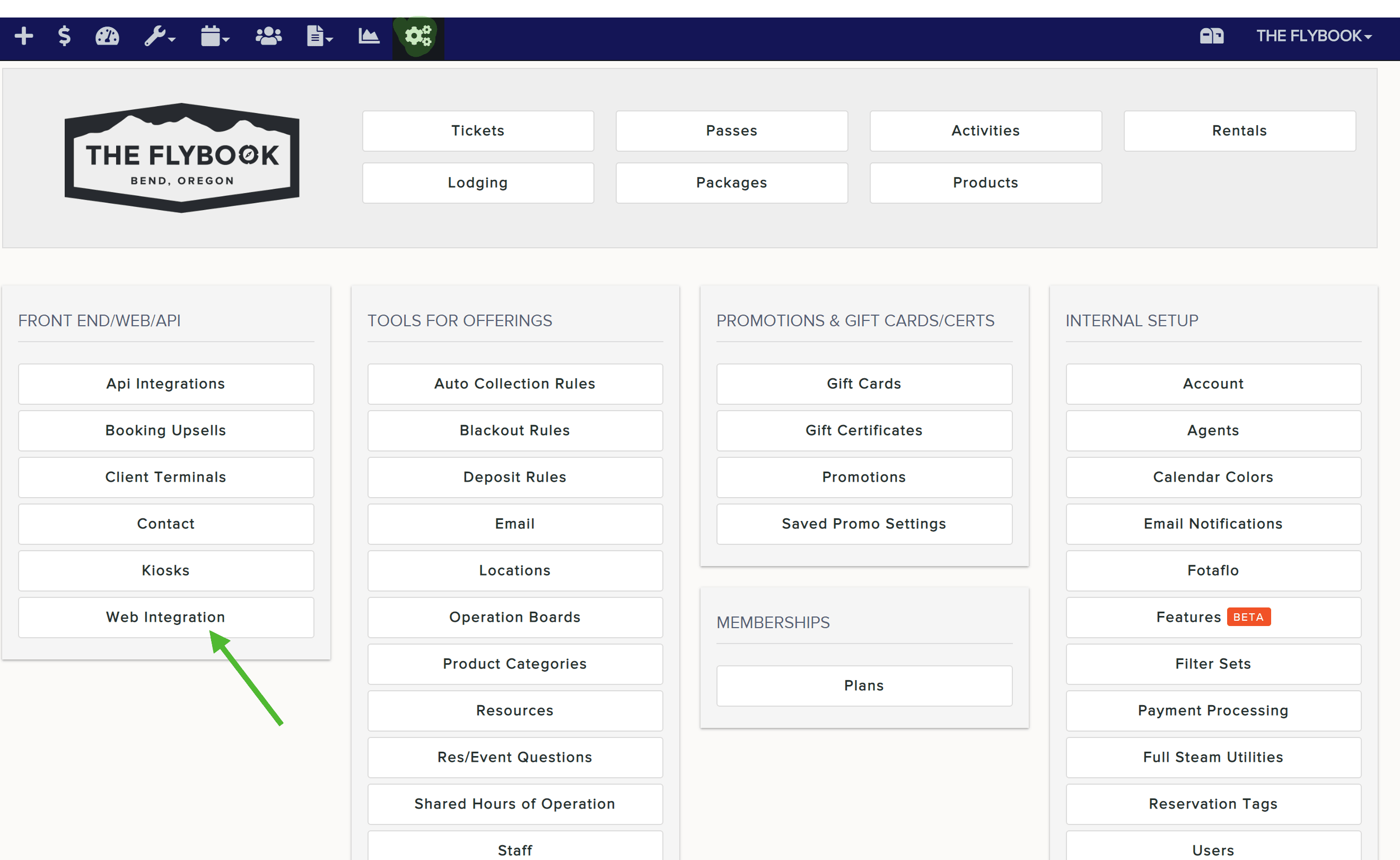
- Scroll down until you see Reservation Completed Text. Here you will be able to embed your social media buttons code using the source editor or add a button Image and linking to your site

or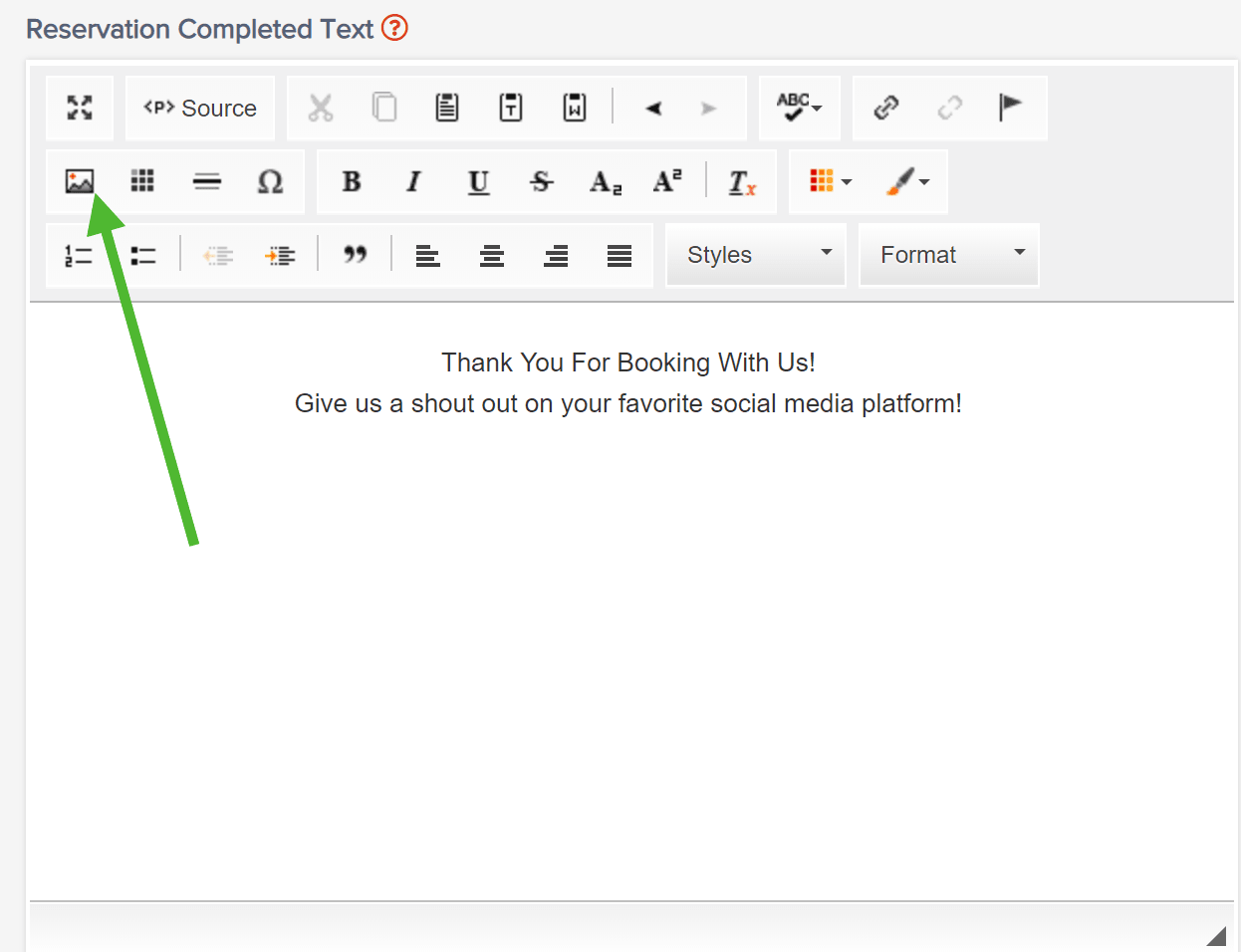

resize the image if needed
select the Link tab and add the URL for your social media page
Click and drag the image to the desired location if needed. - Always remember to Save changes.

- Once you've saved your changes, your customers will see the changes you made after they've completed an online transaction.
