Navigation: Calendar>>Lodging
If you would like to view your Lodging or Check Availability from the Lodging calendar view follow the steps below.
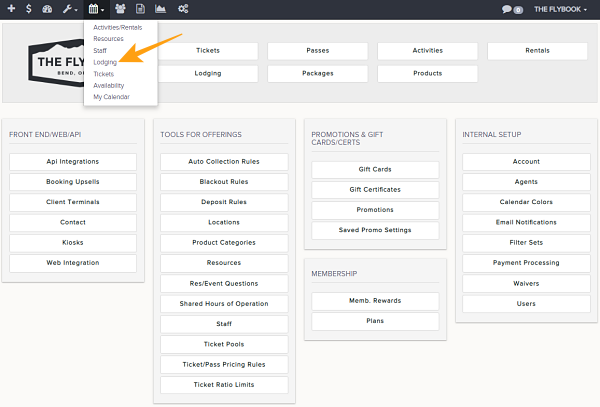
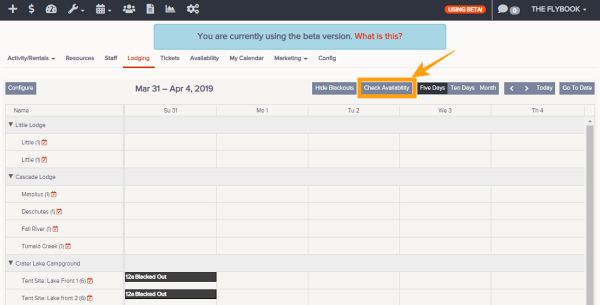
- Click on Calendar then on Lodging
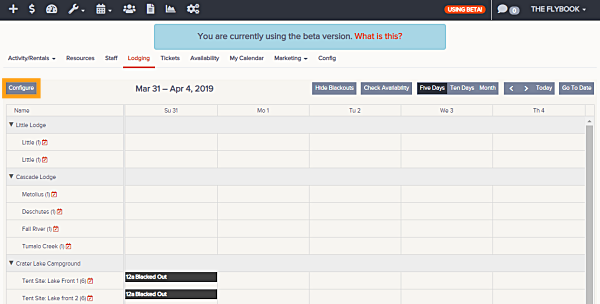
- This will show by default the Week view of your Lodging
- You can adjust range you want to view by these choices
- Month
- Ten Days
- Five Days
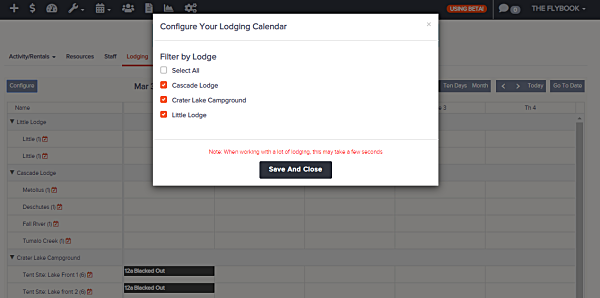
- (New)You can Filter your calendar by a specific lodge(s) by clicking Configure than selecting desired lodge(s).
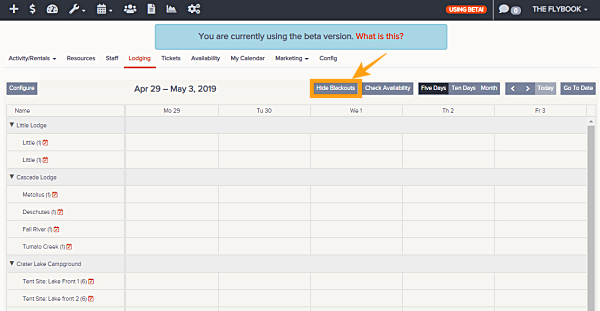
- (New)You can also filter out your blacked out lodges by clicking on Hide Blackouts
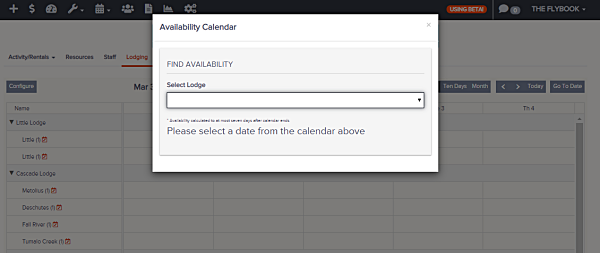
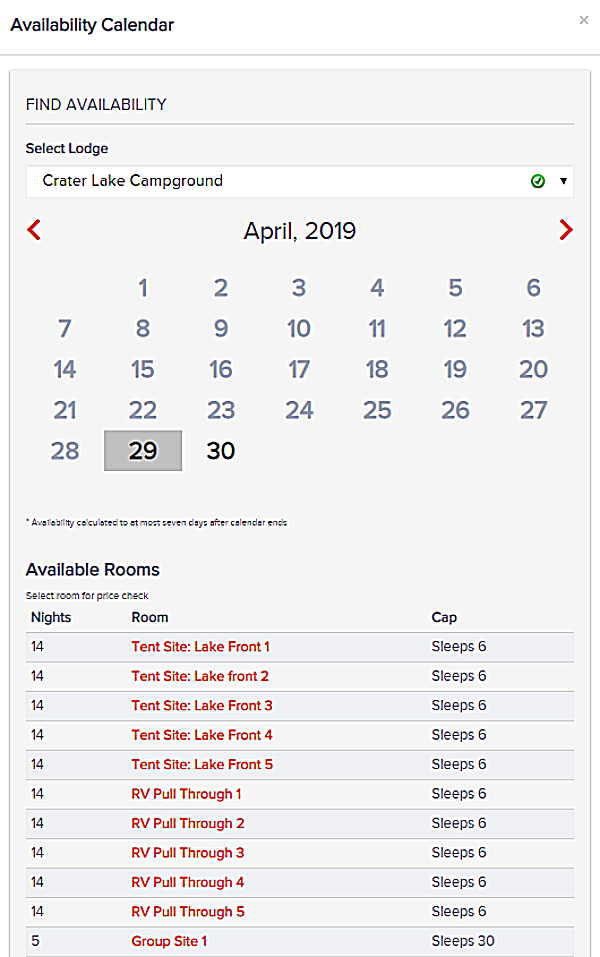
- You can check availability of rooms by lodging by using the Availability Calendar Tool admins can check
- # Guests
- # Nights
- Pricing