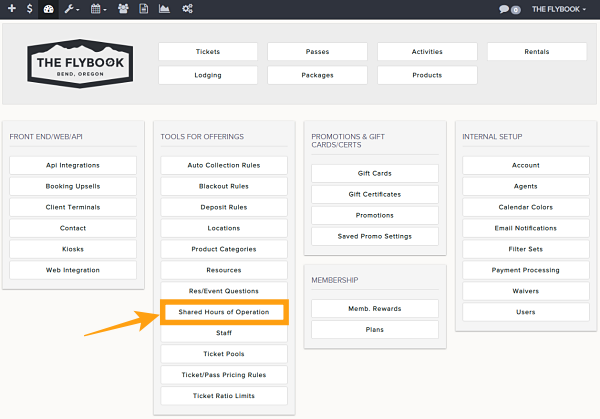
Navigation: Setup>>Shared Hours Of Operation
Important Note: Use Shared Hours of Operation in the availability calendar to share hours of operation between ticket types.
If you would like to setup shared hours of operation follow the steps below
- Go to Setup then to Shared Hours Of Operation
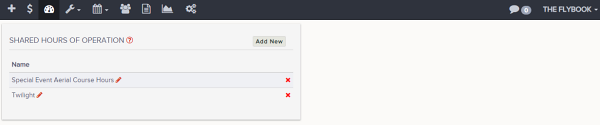
- This will take you to the setup menu from here you can
- Add New
- Name
- Delete
- Add New
- Once created these shared hours of operation will be available to be selected in each ticket types
To see how to set your availability for shared hours of operation, click HERE.