Navigation>> Add Reservation
If you would like to add a new reservation follow the steps below.
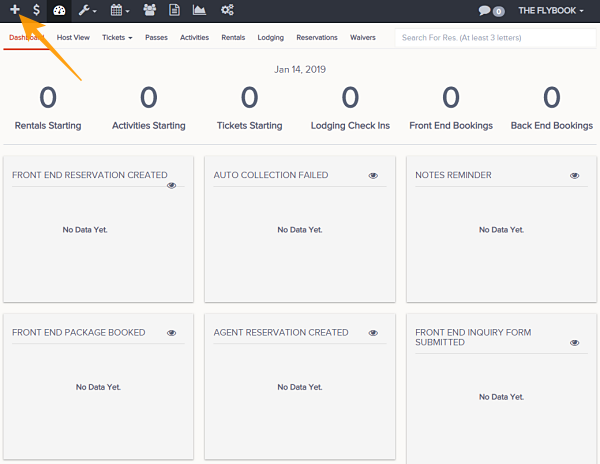
- Sign In and click the Plus button located at the top left of the tool bar
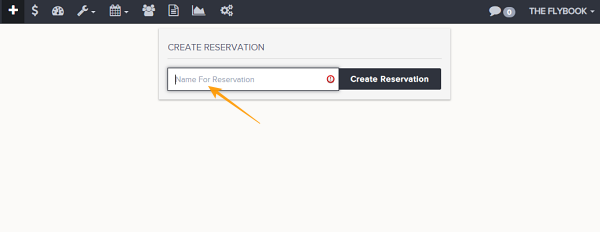
- From Type the name of the reservation you would like to make and simply hit Create Reservation
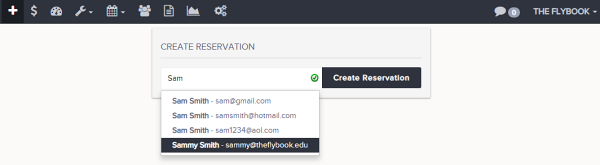
- If this is a returning client you can start typing their name (or email address) and a list of associated existing client profiles will appear with related email address. Clicking a existing name will create a new reservation with the lead client already associated