Navigation: Reservation>>Passes
If you would like to add, remove, or edit a pass follow the steps below
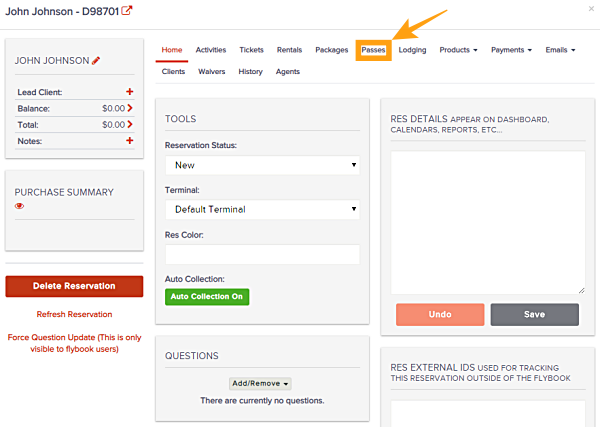
- Go to Reservation
- Click on the Passes tab
- From here you can do these functions
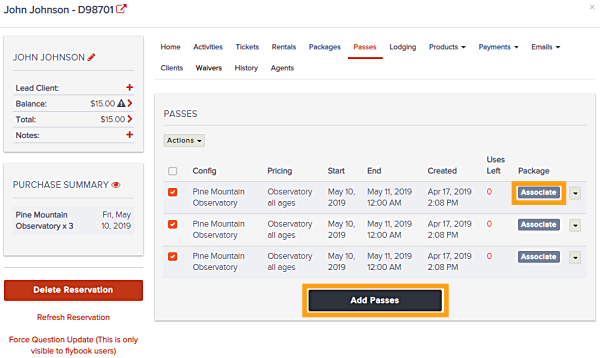
- Add
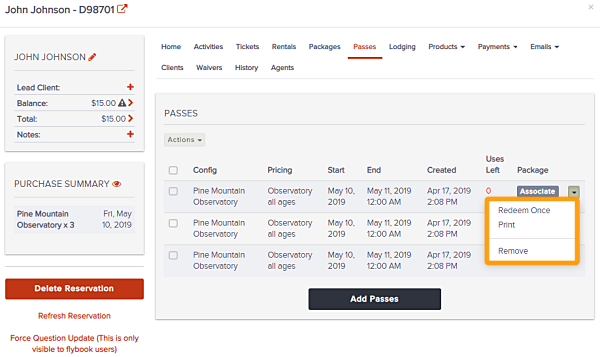
- Delete
- Redeem
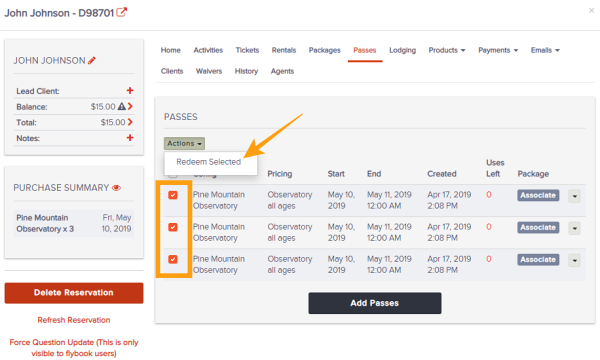
- Bulk Redeem
- Assocaite with a Package
Navigation: Reservation>>Passes
If you would like to add, remove, or edit a pass follow the steps below