Navigation: Reservation>>Activity>>Staff
If you would like to send a text notification to assigned staff on a activity follow the steps below.
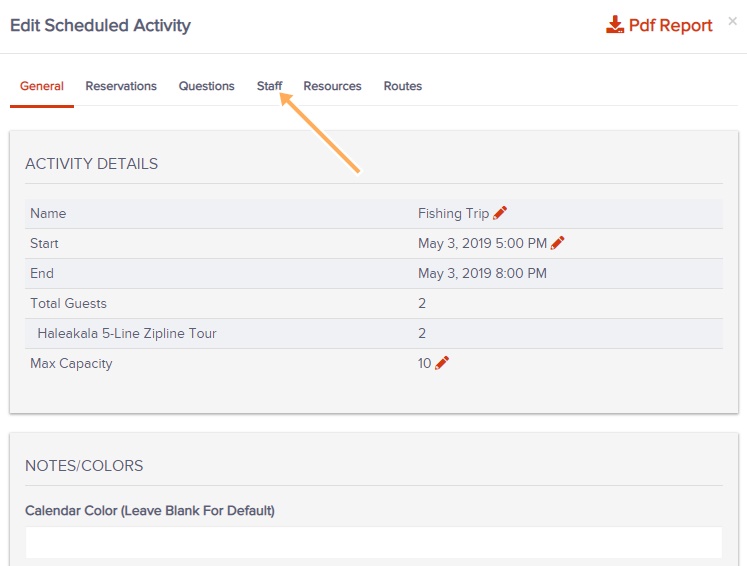
- Go to the Activity then click on the Staff tab
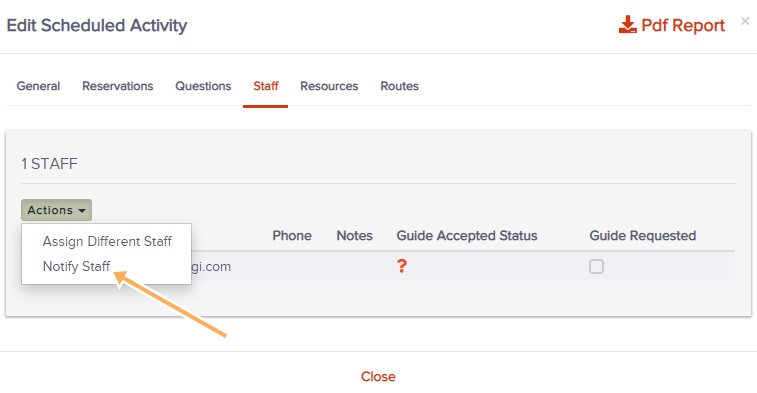
- Click on the Actions button then on the Notify Staff
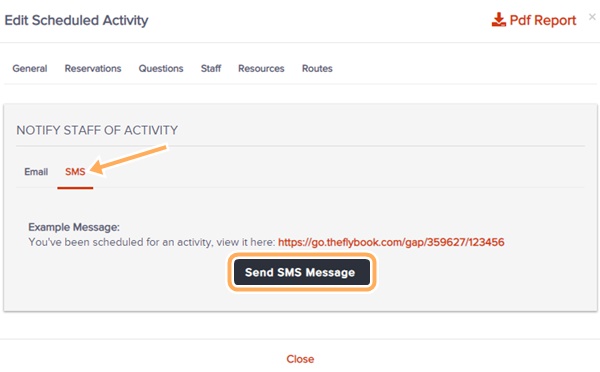
- Click on the SMS tab
- Click Send SMS Message
- A text message will allow staff to accept or decline the assignment.