Navigation: Reservation>>Activities
If you would like to add, remove, or edit a activity follow the steps below
- Go to existing Reservation or create a new one
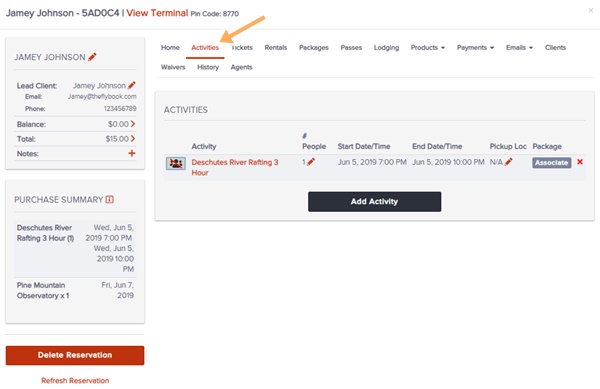
- Click on the Activities tab
- From here you can do these functions
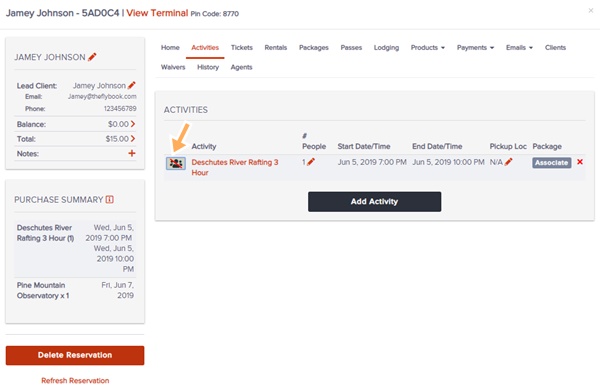
- Check-in/Checkout (New) (This status will appear on the activity screen and in the activity PDF)
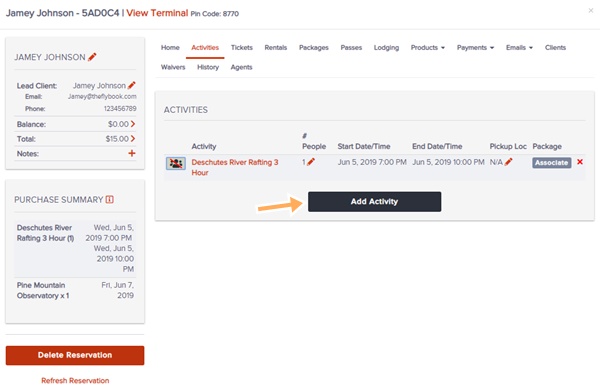
- Add
- Delete
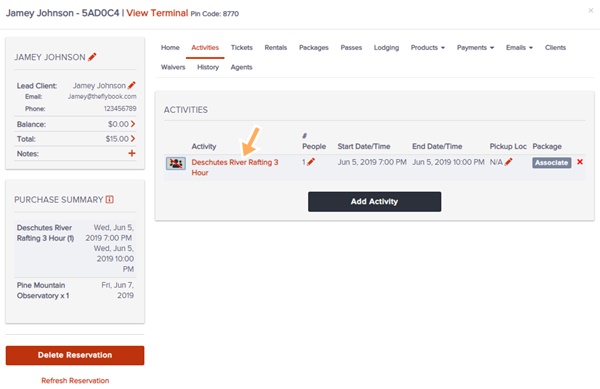
- Edit
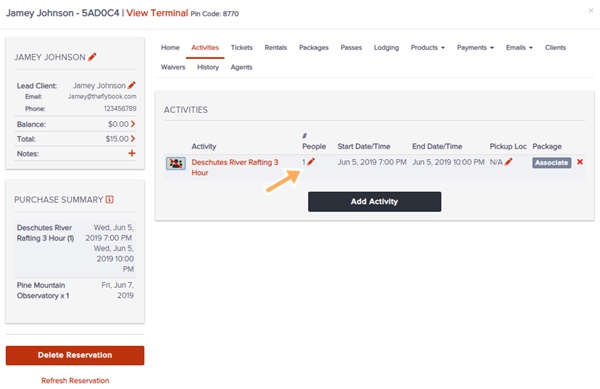
- Update # going
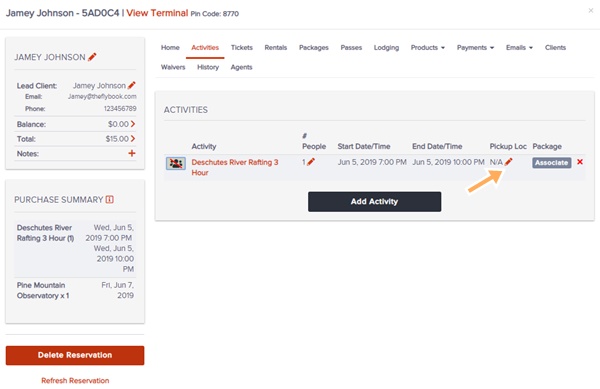
- Update Pickup Location
- Associate with a package
Check-in/Checkout
Add
Delete

Edit
Update # Going
Update Pickup Location
Associate with a package
