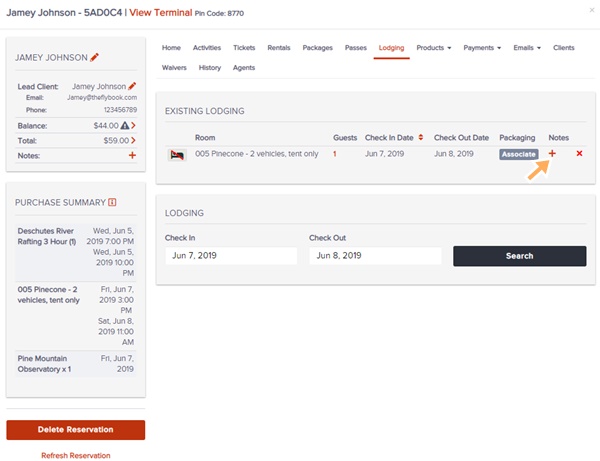
Navigation: Reservation>>Lodging
If you would like to add, remove, or edit a activity follow the steps below
- Go to existing Reservation or create a new one
- Click on the Lodging tab
- From here you can do these functions
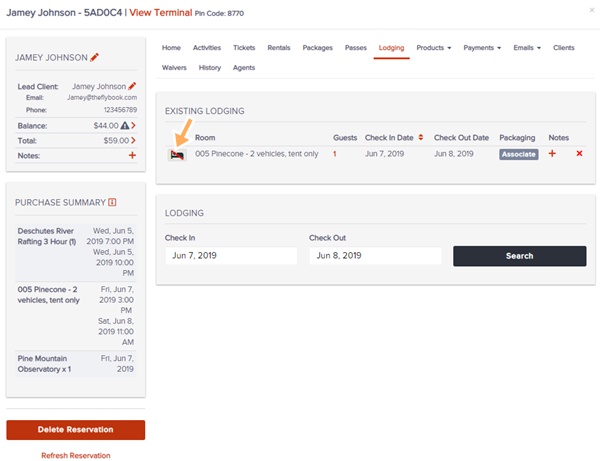
- Check-in/Checkout (New) (The Check-in/out status will also appear in the housekeeping report)
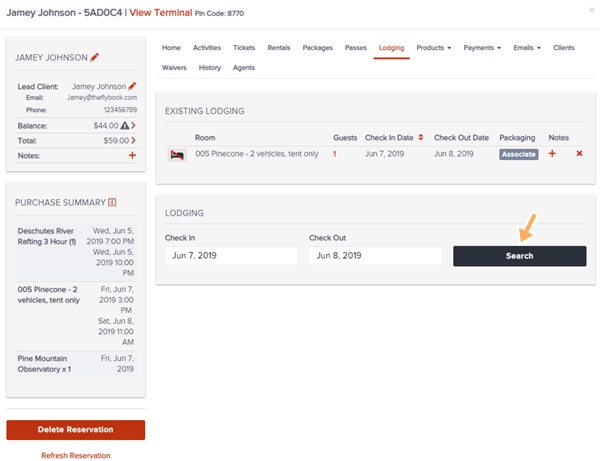
- Add
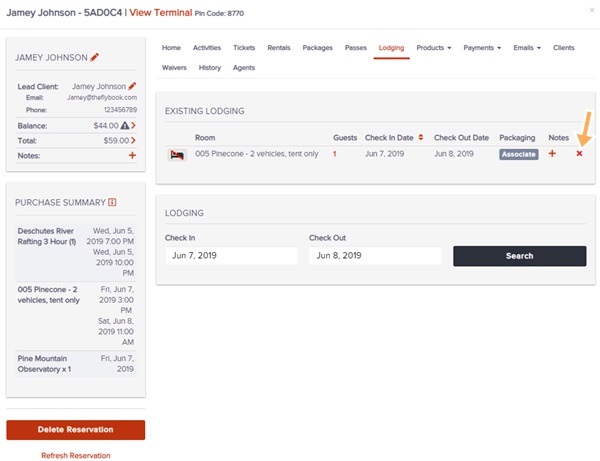
- Delete
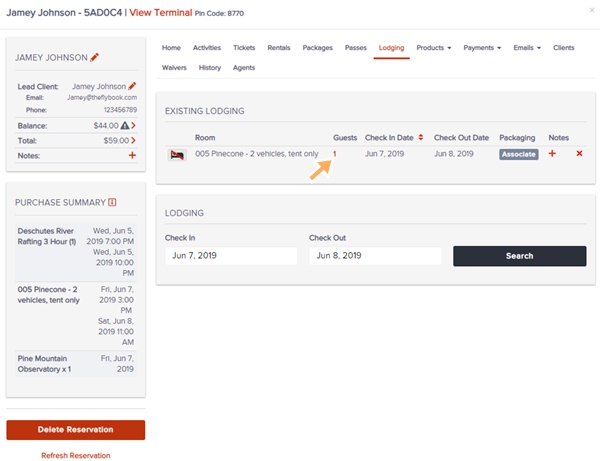
- # of Guests
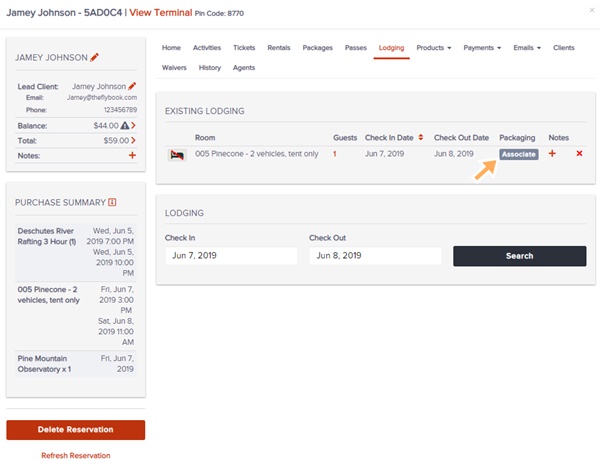
- Associate with Package
- Add Notes (These will appear on the housekeeping report)
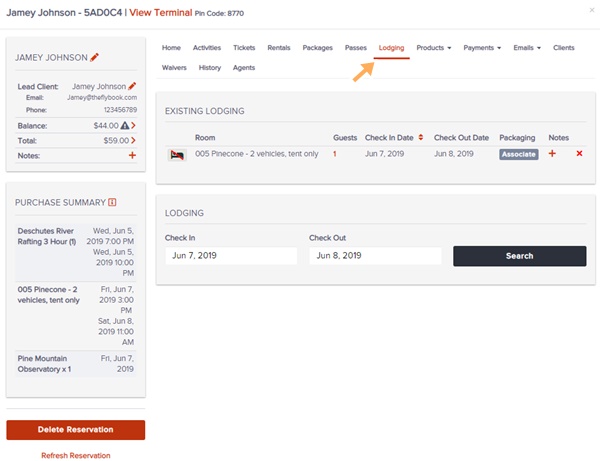
Check-in/Checkout
Add
Delete
Update # Of Guests
Associate With A Package
Add Notes