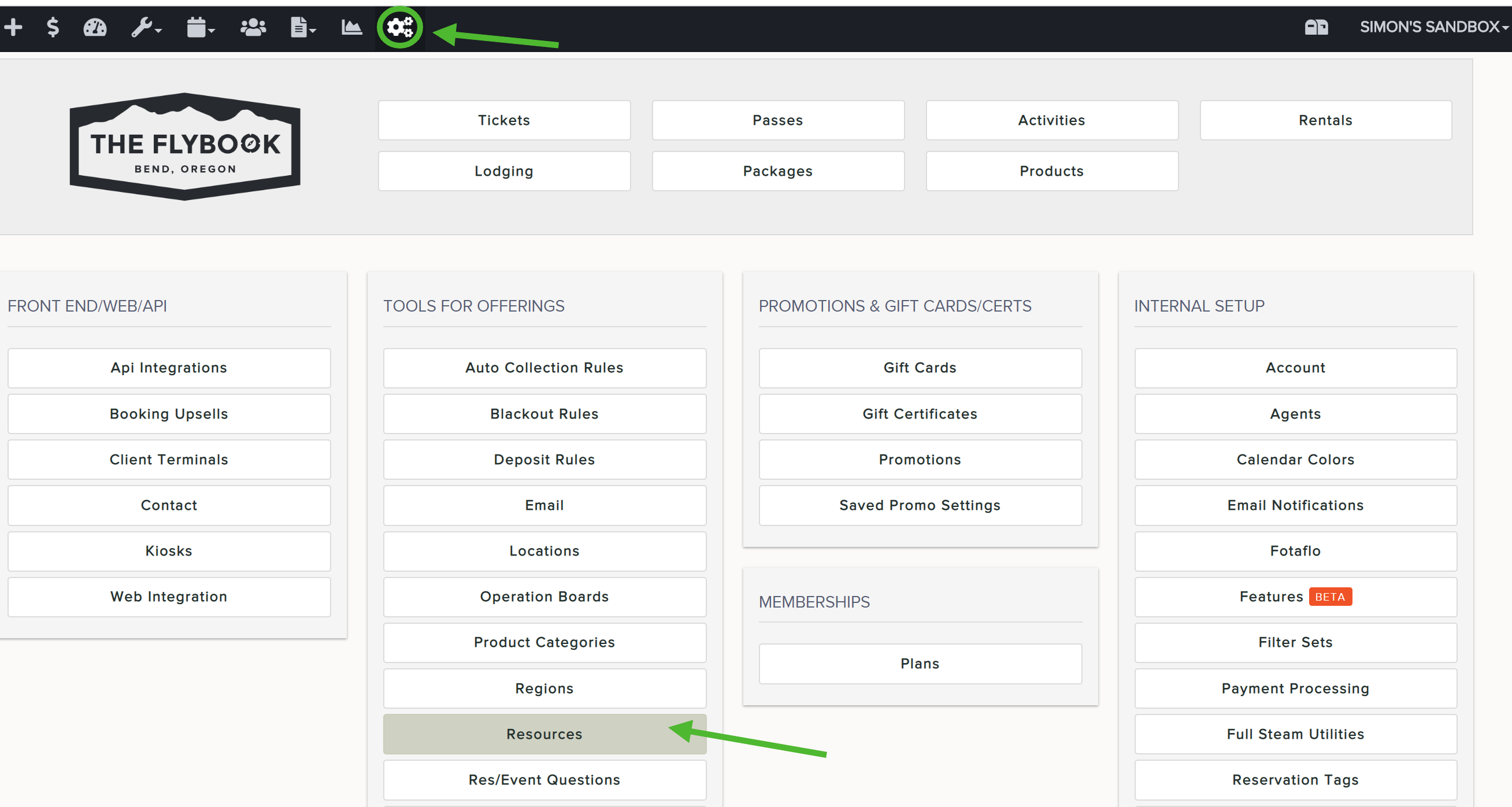
Resources are individual items that belong to a "resource type". You require them in order for an Activity to take place.
Example:
- Resource Type: Boat
- Resources: Blue Boat; Red Boat; Pink Boat
Note: you must have Resource Types set up first prior to creating Resources. Refer to this article for help on doing this: https://theflybookhelp.zendesk.com/hc/en-us/articles/212356058
To add resources:
- Go to SETUP and click on Resources
- Click on Add New
- Enter all resource details
- Name of resource
- Resource Type (from dropdown)
- Number to create (how many of this resource do you have?)
- Capacity (How many people does this resource hold?)
- Optional: add index. This feature adds a number index to distinguish the difference between multiple resources that are the same. This index will create numbers starting at #1 and go up from there that are placed within the title of the resource
Note: don't forget to save