Important: To assign deposit rules to specific activities you will first need to create the deposit rule. See help article on that first step here.
To assign deposit rules to specific rentals,
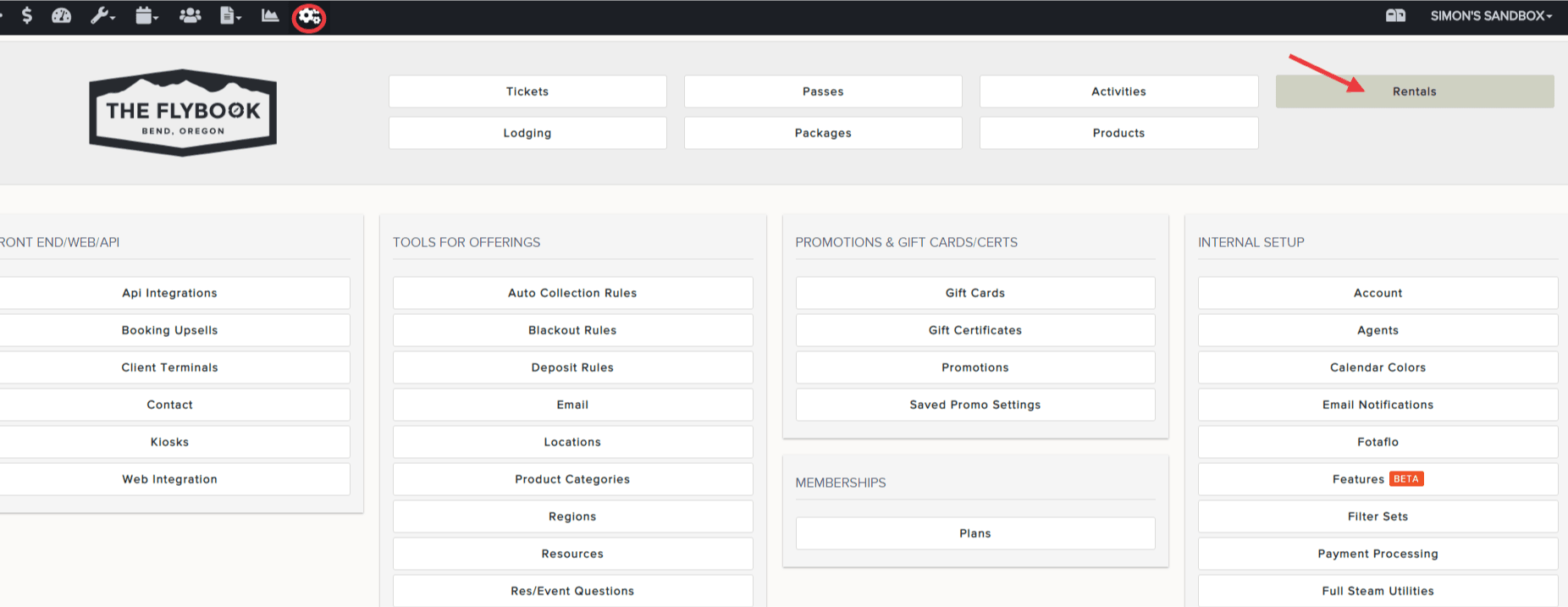
- Go to SETUP and click on Rentals
- Click on the desired Rental and then on the "Pricing" tab
- Under Deposit Rules click on the dropdown to select a rule
- Hit SAVE at the bottom when finished