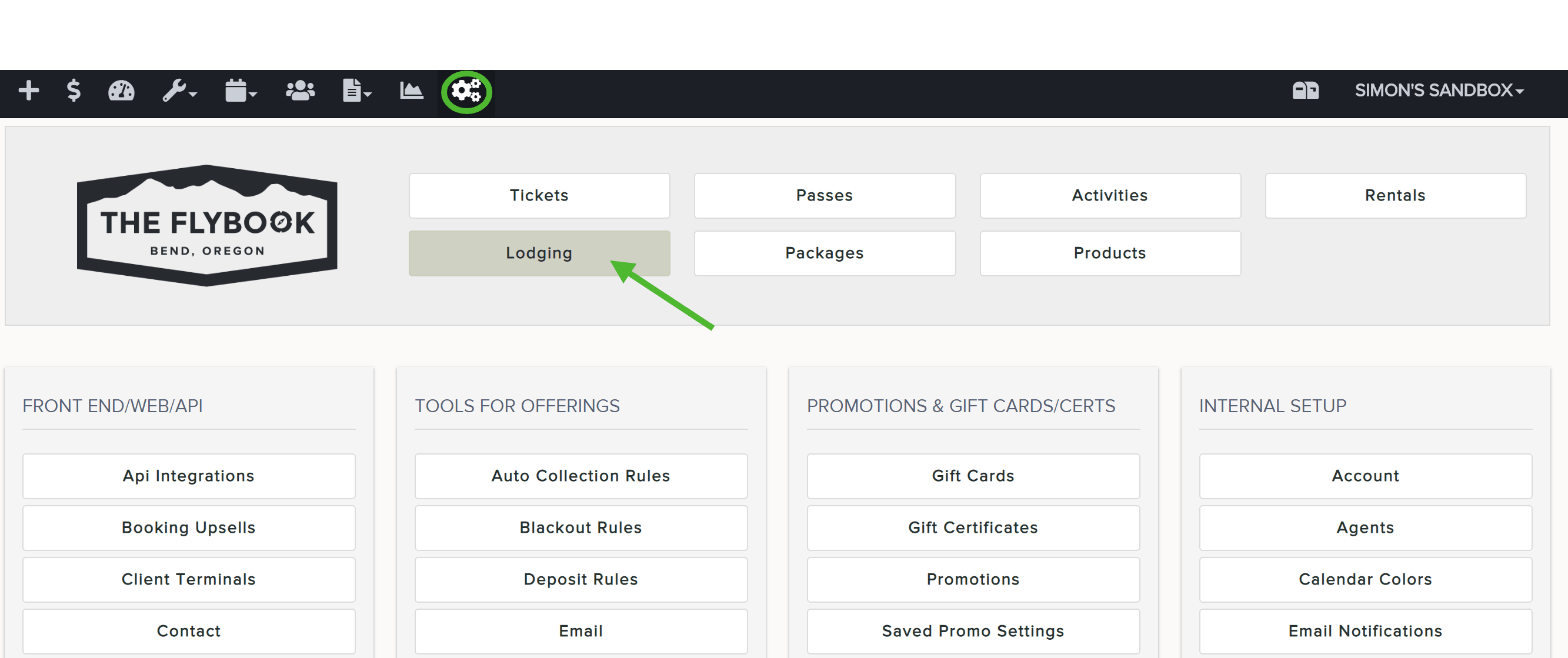
To assign auto collection rules to specific packages,
- Go to SETUP and click on Lodging
- Click on Rooms tab
- Select the applicable room and then the Pricing tab
- Under Auto Collection Rules click on the dropdown to select a rule
- Hit SAVE at the bottom when finished
Note: before assigning an auto collection rule, you must first configure one. Refer to this article to do so.