Navigation: Setup>>Saved Promo Settings
If you would like to add a saved promo settings follow the steps below.
Important Note: Saved Promo Settings are intended to allow admins to quickly create promo codes in the Promotions center using the Quick Add function. Saved Promo Settings are also used when creating Gift Certificates configs and for Shopping Cart Recapture promos.
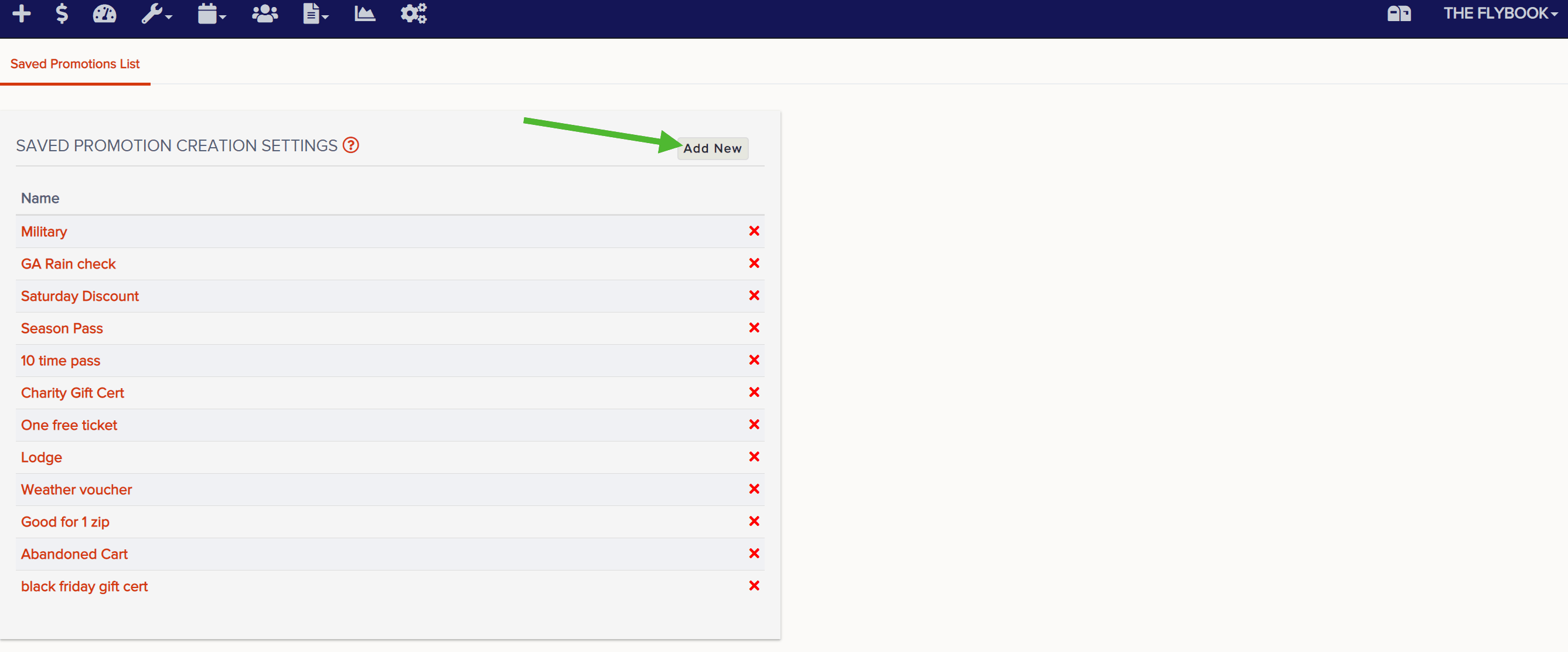
- From Setup, go to Saved Promo Settings

- Click Add New and name the saved promo setting
- On this page, you'll set parameters for the saved promo setting. Make sure you select a promo config, set a number of uses per code created with this saved promo setting. Additional parameters are optional and are described below the image.

- Max FE Uses Per Cart - This setting allows you to restrict the number of front end uses per cart for promo codes created using this saved promo setting
- Cannot Be Combined With Any Other Promo - This setting makes it so that additional promo codes cannot be applied to the same item(s) that promos created using this saved promo setting are applied to
- Allow FE Application Of Promo - This setting allows promo codes created using this saved promo setting to be used on the front end (your website)
- Allow Quick Promo Creation - This will allow you to use this saved promo setting for Quick Add promos. You can also add an optional message that will appear on the printout or email with Quick Add promos. This is often used to add a policy, description or URL related to the Quick Add promo.
- Has An Expiration - You can set one of two types expiration dates for promo codes created using this saved promo setting. The first option is a hard expiration date, which means all promo codes created using this saved promo setting will expire on this date, no matter when the code was created. The second option is like a rolling expiration date where promos created using this saved promo setting will expire a specific number of days after the code is created. With either option, you can choose to set a fixed value that the promo code will be good for after the code expires.
- Use "Event" Date Range - This will restrict the use of this code to events that take place during the given date range, regardless of when the reservation was actually booked.
- Use "Apply-able" Date Range - This will restrict the use of this code to reservations booked during the given date range, regardless of when the events within the reservation will take place.
- Use Event Time Windows - This will restrict the use of code to events that take place during certain hours of the day (ex. mornings only, evenings only, etc)
- Use Days Of Week - This will restrict the use of the code to events that take place on certain days.
- Blackout Config - This will allow you to set a premade blackout config for promos created using this saved promo setting